

Personalized Christmas Ornaments to Make and Sell
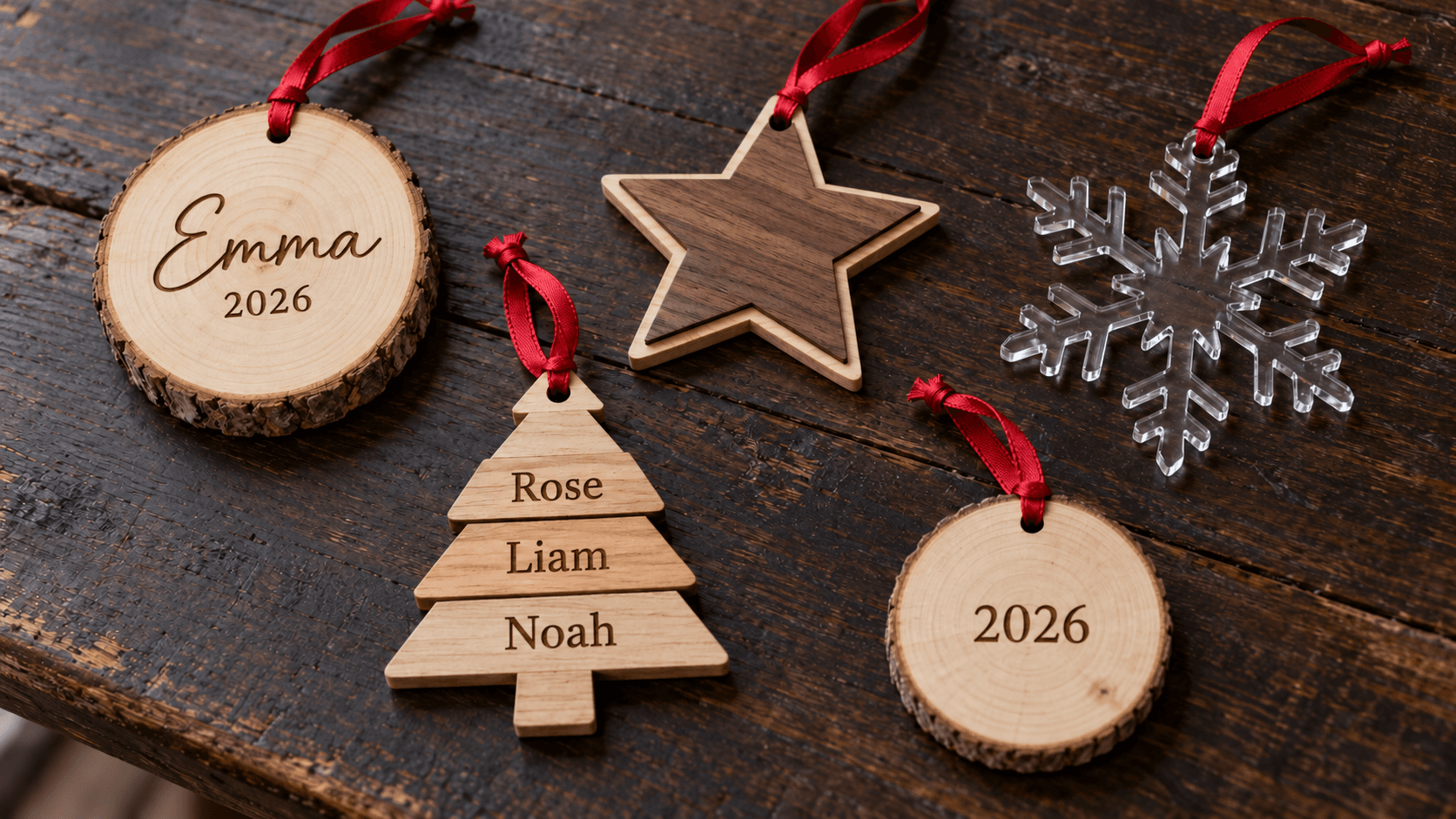
Every December, somebody at the craft fair holds up an ornament with their kid's name on it and says "can you do one for each of my grandkids?" That's when you realize the ornament itself was never the product. The name was.
Personalized ornaments are about as dependable as handmade products get. They're small, cheap to ship, bought in multiples, and nobody can find one with their family's names at a big-box store.
Here's what sells, how to price it, and how to keep a flood of names from turning into a flood of typos.
Seven Ornaments That Sell
1. The classic name and year. A round or star-shaped blank, a first name, and "2026." It's the bread and butter. Parents buy one per child, every year, and many of them collect the set.
2. Baby's first Christmas. The highest-intent customer of the season. Add the baby's name and birth date. Expect these to be your most-requested custom order.
3. Stacked family name trees. Every family member's name stacked into a tree shape and welded into one piece. They take real effort to lay out by hand, which is exactly why they sell well. Evergreen does the sorting, sizing, and welding for you; the full walkthrough is in our family name tree ornaments post.
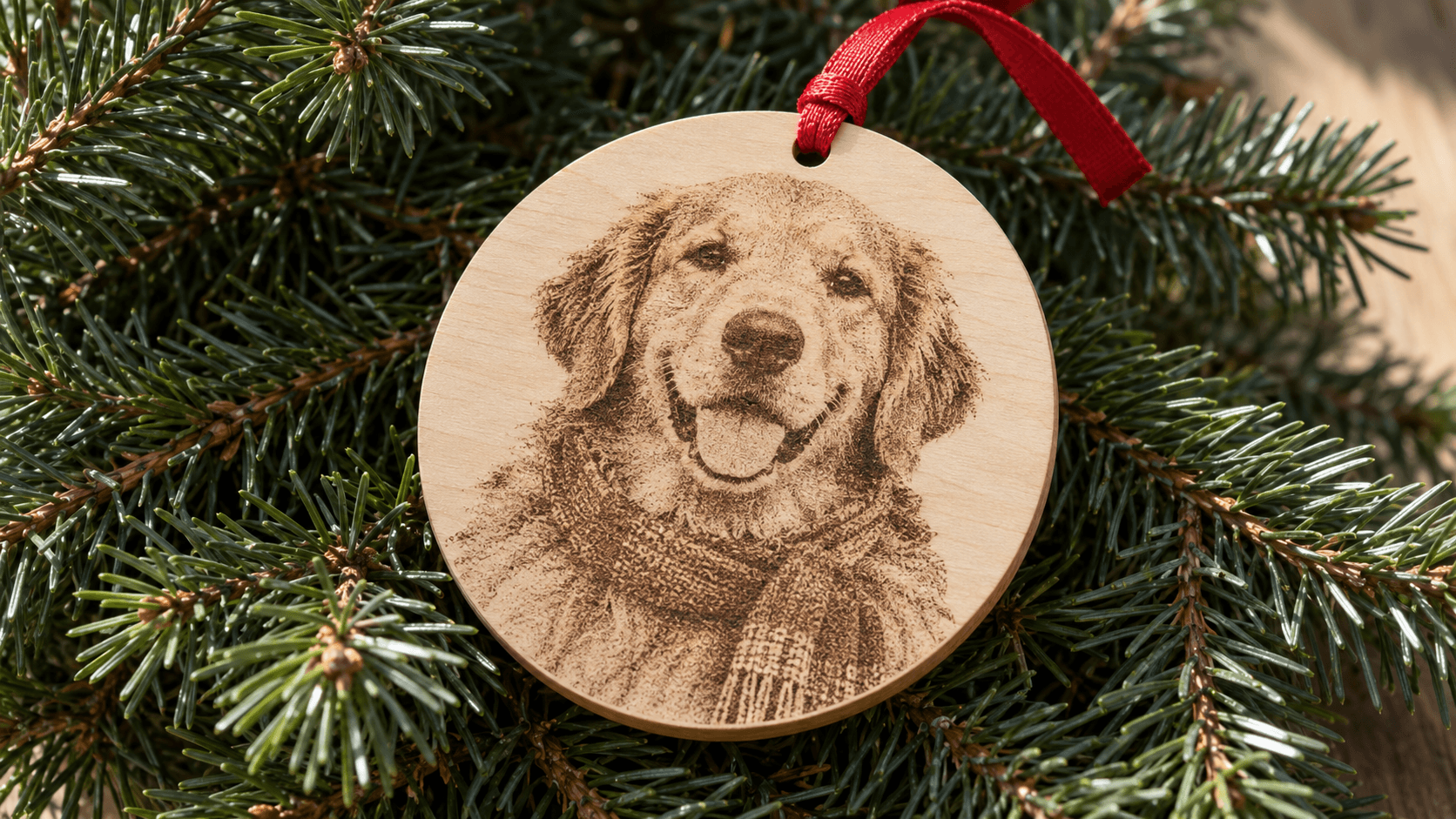
4. Photo ornaments. A family photo or a pet engraved on wood or slate. These get emotional reactions at a market table. Our guide to engraving photo ornaments covers the prep.
5. Pet ornaments. A paw print, the pet's name, maybe a silhouette. Pet owners are generous buyers. See laser projects for pet lovers for more ideas.
6. Monogram ornaments. They make lovely wedding and "first Christmas married" gifts, and they're quick to produce. The Monogram Generator makes split and classic monograms for free.
7. Two-tone 3D prints. For 3D printers, a name layer in one color on a backer in another looks finished with zero painting. Our 3D printed Christmas ornaments guide covers the print side.
Materials That Hold Up
| Material | Look | Watch out for |
|---|---|---|
| Birch or maple plywood | Light surface with crisp engraving | Cheap ply has voids that show on edges |
| Wood slices | Rustic, very popular | Bark flakes off; seal it |
| Walnut on maple layers | Premium, two-tone | Double the cutting and gluing |
| Acrylic | Modern, colorful | Diode lasers can't cut clear acrylic |
| Slate or tile | Photo engravings pop | Heavy; use sturdy hangers |
| PLA or PETG prints | Multicolor without paint | Layer lines on curved surfaces |
Consejo
Use a hanging hole at least 3 mm (1/8 in) from the edge. Thin rims around a ribbon hole are the number one reason ornaments come back broken.
Pricing Names Without Undercharging
New sellers usually price ornaments on material cost. A plywood circle costs pennies, so they charge $8 and wonder why December felt like unpaid overtime.
Price the time instead. Every custom order includes reading the message, checking the spelling, setting the text, a test fit, and packing it. A rough structure that works for a lot of sellers:
- Base ornament with one name and a year.
- Each extra name adds a fixed amount.
- Photo is its own price tier, since prep takes longer.
- Rush orders after your cutoff cost more, or you don't take them.
Our pricing custom orders guide has the full math.
Stop Spelling Mistakes Before They Happen
One misspelled grandchild's name and you've remade the ornament for free and maybe lost a customer. A few habits help:
- Have customers type the names themselves, in a form or listing field, never over the phone.
- Copy and paste, never retype.
- Send a proof for anything over a couple of names, and get a "yes" in writing.
- Read the proof backwards, letter by letter. Your brain autocorrects words, not letters.
Advertencia
Ask about capitalization and special characters. "McKenzie," "Zoë," and "José" are easy to get wrong, and customers notice instantly.
Listing Them Online
Ornament listings live or die on photos. A white-background shot is fine for the first image, but a cozy, festive one gets the clicks in December. ListingLab has a Christmas photo style that puts your product in a holiday scene, and it writes the titles, descriptions, and tags too. Generating the text uses your monthly chat messages, and each photo costs a credit.
Set your order cutoff clearly in every listing. December shipping gets slow, and our holiday order cutoffs post shows how to set dates you can actually keep.
Start With One Best Seller
You don't need all seven. Pick the one that matches your machine and your market, make a handful of samples, and photograph them this week. A stacked family name tree from Evergreen is a strong place to start, because it's hard to find anywhere else.
Sigue leyendo
Herramientas relacionadas
Evergreen
Organiza nombres en un diseño de árbol conectado para adornos o letreros, con una base de respaldo opcional.
Se necesita un plan para descargar
Photo Converter
Convierte una foto en un dibujo de líneas para grabado, con salida normal o invertida.
Monogram Generator
Crea monogramas divididos o clásicos con distintas fuentes y marcos.
ListingLab
Crea textos para anuncios y fotos de producto ambientadas a partir de una imagen del producto.
Los textos usan el cupo de chat; las fotos usan créditos
¿Listo para probar estas herramientas?
Regístrate gratis, no necesitas tarjeta de crédito. Las herramientas gratuitas están disponibles de inmediato.
Comenzar gratis