
Beam Bench: Free Laser Engraving Software for Makers
There's a real thrill in watching a laser trace out something you made. You lay out your design, hit go, and a few minutes later you're peeling a finished piece off the bed. Beam Bench is the free desktop app built to get you to that moment.
Tip
Short answer: Beam Bench is a free desktop app for driving laser engravers and cutters. Download it at beambench.com, point it at your machine, and start burning. It runs on Windows, Mac, and Linux, with no subscription.
What Beam Bench does
It carries the whole workflow, from artwork to finished burn, in one window:
- Design and edit vectors. Draw shapes, edit nodes, and combine paths with boolean operations. Bring in an SVG and tidy it up before you cut.
- Prep photos for engraving. Load an image and Beam Bench handles the dithering and fill, so a photo is set up as a proper engraving instead of a flat gray block.
- Line up your work with a camera. Place your design on the actual material you see on screen, instead of working out coordinates by hand.
- See the plan before you run it. A live preview shows the moves the laser will make, so you catch the upside-down job before it hits your good walnut.
- Send it to the machine. Beam Bench streams the job straight to your laser.
PRINT. CUT. CARVE.
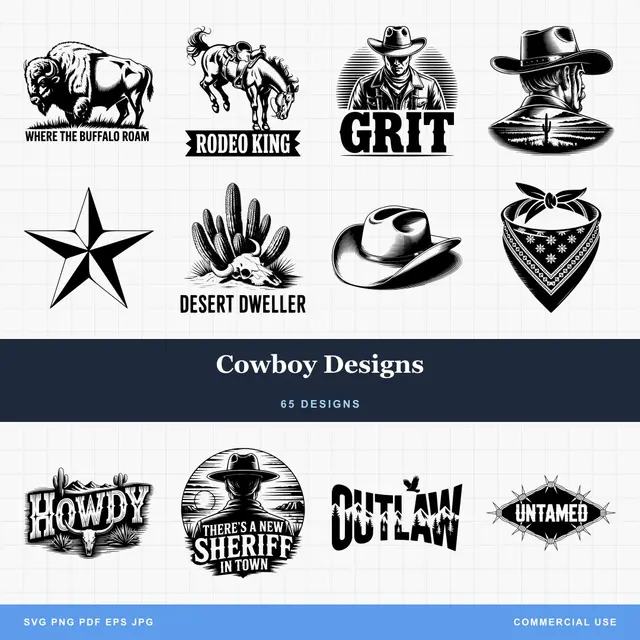
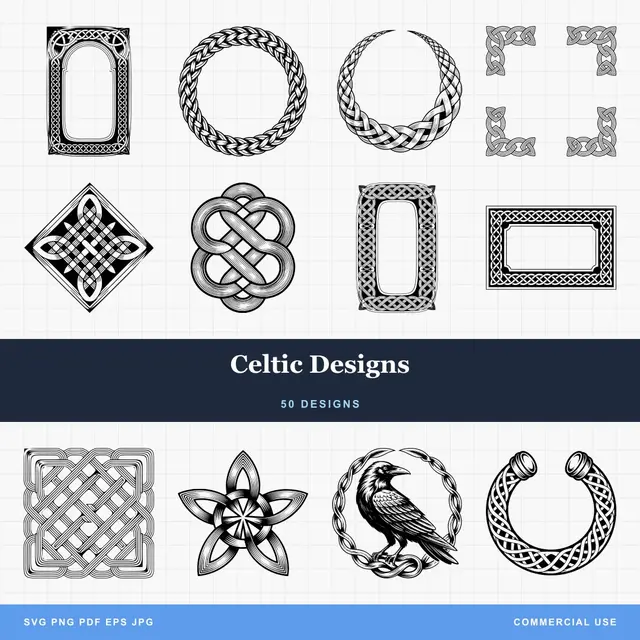

- Multiple formats (SVG, DXF, PNG)
- Machine-tested designs
- Commercial licenses
Sponsored by PrintCutCarve.com
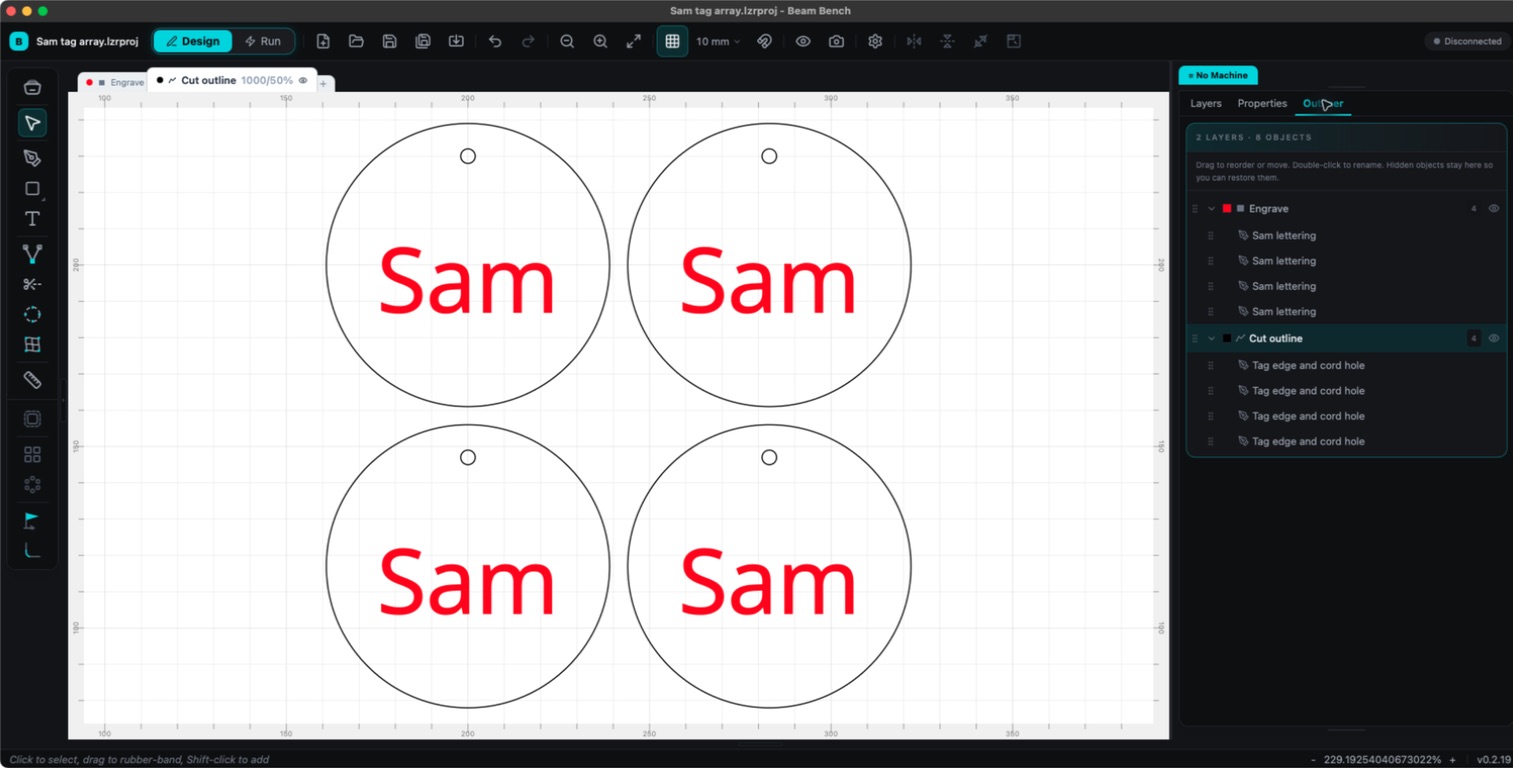
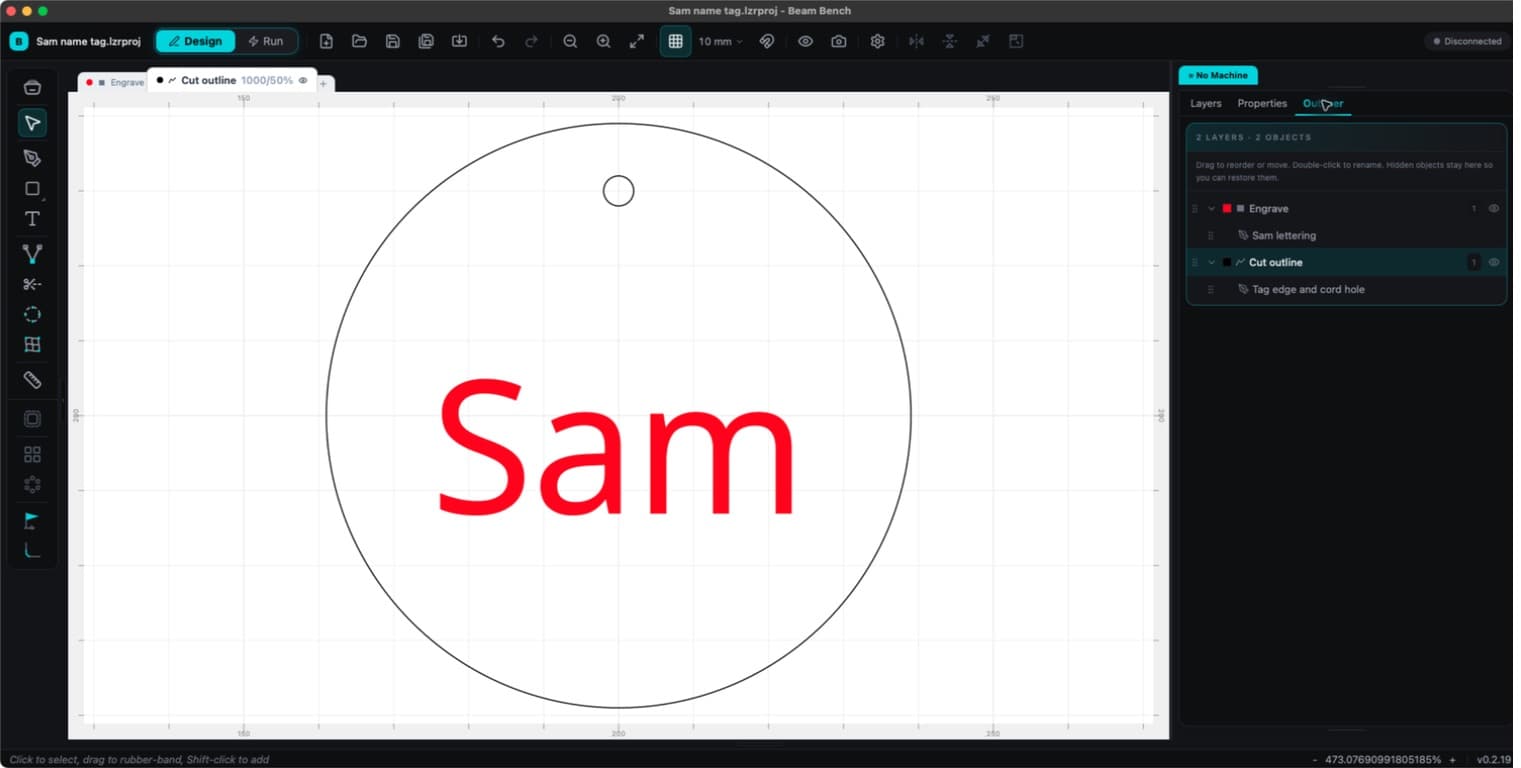
A small batch in the actual app: the names share a Fill layer and the tag outlines share a Line layer. The Outliner keeps both operations visible.
It's in beta, and we're upfront about that
Warning
Beam Bench is early. It works, and makers are running real jobs on it, but you will hit rough edges. If something breaks, tell us. There's a Help, Report a Bug option right inside the app, plus an active community group where the team actually reads what you post.
We'd rather ship it, listen, and fix things quickly. Your bug reports genuinely shape what gets built next.
Who it's for
If you own a diode laser engraver, the popular desktop kind, and you want free software to design, prep, and run your jobs, Beam Bench is built for you. It's a good fit for beginners making their first pieces and for makers who want a fast, focused place to work.
It also pairs nicely with the tools already here on Craftgineer. Trace a logo into a clean vector with MonoTrace for free, or prep a photo for engraving with the Photo Converter, then bring the file straight into Beam Bench to burn it.
Frequently Asked Questions
Is Beam Bench really free?
Yes. Download it and use it, no subscription and no trial clock.
What lasers does it work with?
Many common diode laser engravers and cutters. Support is still growing, so the surest check is the supported-machines list at beambench.com, or ask in the community group.
What computers can run it?
Windows, Mac, and Linux. Grab the installer for your system from the site.
Is it stable enough to actually use?
Makers are running real projects on it today. It's also in beta, so expect the occasional rough edge. When a new version is ready, Beam Bench lets you know so you can update.
Where do I get help?
The documentation at beambench.com covers setup through your first burn, and the in-app bug reporter and community group are the fastest way to reach the team.
Try it
Grab it, point it at your laser, and run your next job. Download Beam Bench free. It's actively developed, and the makers using it are the ones steering where it goes.
Related Tools
Ready to try these tools?
Sign up free, no credit card required. Free tools available immediately.
Start Free