
50 Cricut Project Ideas for Beginners
The machine is set up. The sample cut worked. And now you're staring at the software wondering what to actually make with it.
This is the wall every new Cricut and Silhouette owner hits. The machine can cut a huge range of materials, which somehow makes it harder to pick a first project, not easier. So here are 50 project ideas organized by category, each with the material you need and an honest difficulty call, so you can stop scrolling and start cutting.
If you want the bigger picture of what these machines are capable of before diving into a list, our what can you make with a Cricut overview covers the full range. This post is the idea bank: pick something, cut it this weekend.
Vinyl Decals (Start Here)
Adhesive vinyl is the classic first material for a reason. It costs a few dollars a roll, forgives mistakes, and teaches you the core skills: cutting, weeding, and applying with transfer tape. Everything else you'll ever make builds on those three.
- Laptop decal. A simple silhouette design in a single color. One cut, one weed, five minutes of your life. (Beginner)
- Water bottle decal. Curved surfaces are slightly trickier than flat ones, so this is a good second project. Use permanent vinyl so it survives handwashing. (Beginner)
- Car window decal. Same skills as the laptop decal, but use outdoor-rated permanent vinyl so it lasts through rain and sun. (Beginner)
- Mirror decal. A small decorative design in the corner of a bathroom mirror. Glass is the easiest surface to apply to because it's perfectly smooth. (Beginner)
- Switch plate accents. Tiny vinyl designs around light switches. Great use for scraps left over from bigger cuts. (Beginner)
- Mailbox numbers. Practical, visible from the street, and done in ten minutes with outdoor vinyl. (Beginner)
- Layered multi-color decal. Cut each color separately and stack them during application. This teaches registration, the skill of lining up layers. (Intermediate)
- QR code decal. Generate a code with the free QR Code Generator, download the SVG, and cut it in vinyl for a craft fair table, business packaging, or a link to your Etsy shop. Test the scan before you cut. (Intermediate)
- Glass etching stencil. Cut a stencil from vinyl, apply it to a glass dish, and brush etching cream over it. The vinyl masks the glass and the cream frosts the exposed design. (Intermediate)
- Tile coaster set. Cheap ceramic tiles from the hardware store plus a vinyl design plus a cork backing. Instant gift. (Beginner)
If vinyl is where you want to live for a while, our vinyl decals and stickers guide walks through the full workflow step by step, from file to weeded decal.
Tip
Found a design online as a PNG? PNGs are pictures, not cut paths, so they usually need tracing and cleanup before they cut cleanly. MonoTrace converts a PNG to a clean cuttable SVG for free. The full walkthrough is in our PNG to SVG for Cricut guide.
PRINT. CUT. CARVE.
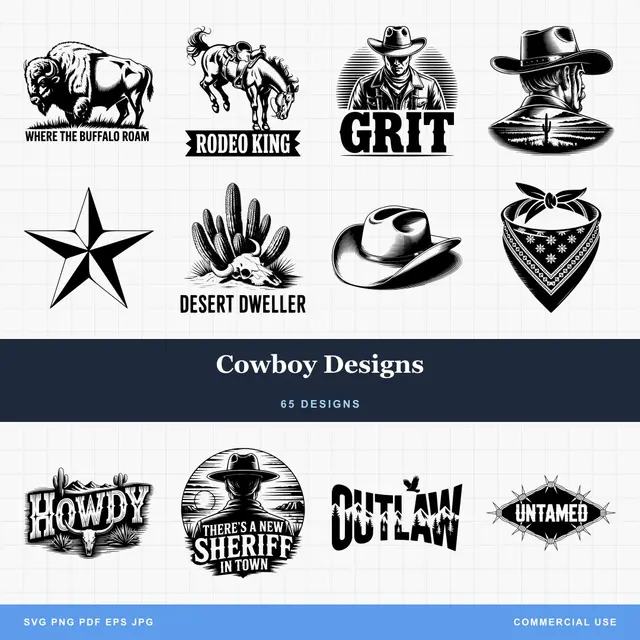
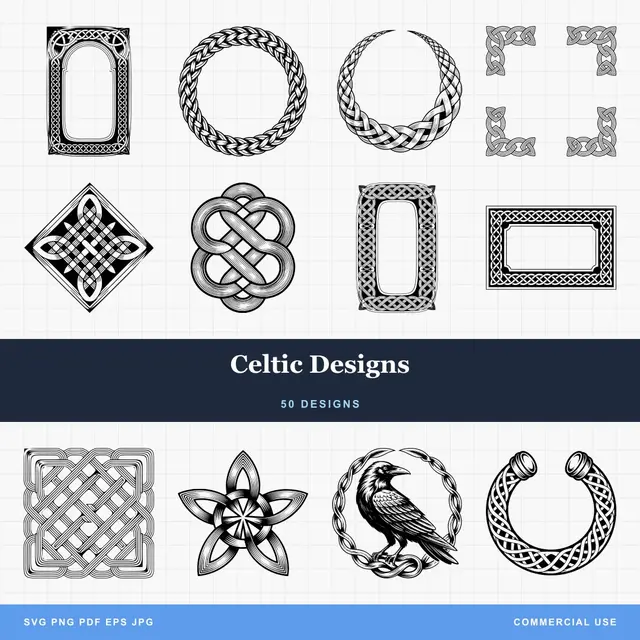
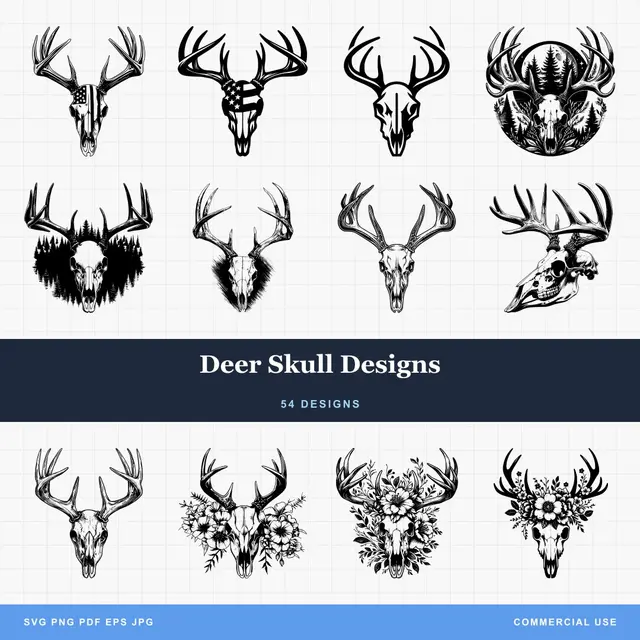
- Multiple formats (SVG, DXF, PNG)
- Machine-tested designs
- Commercial licenses
Sponsored by PrintCutCarve.com
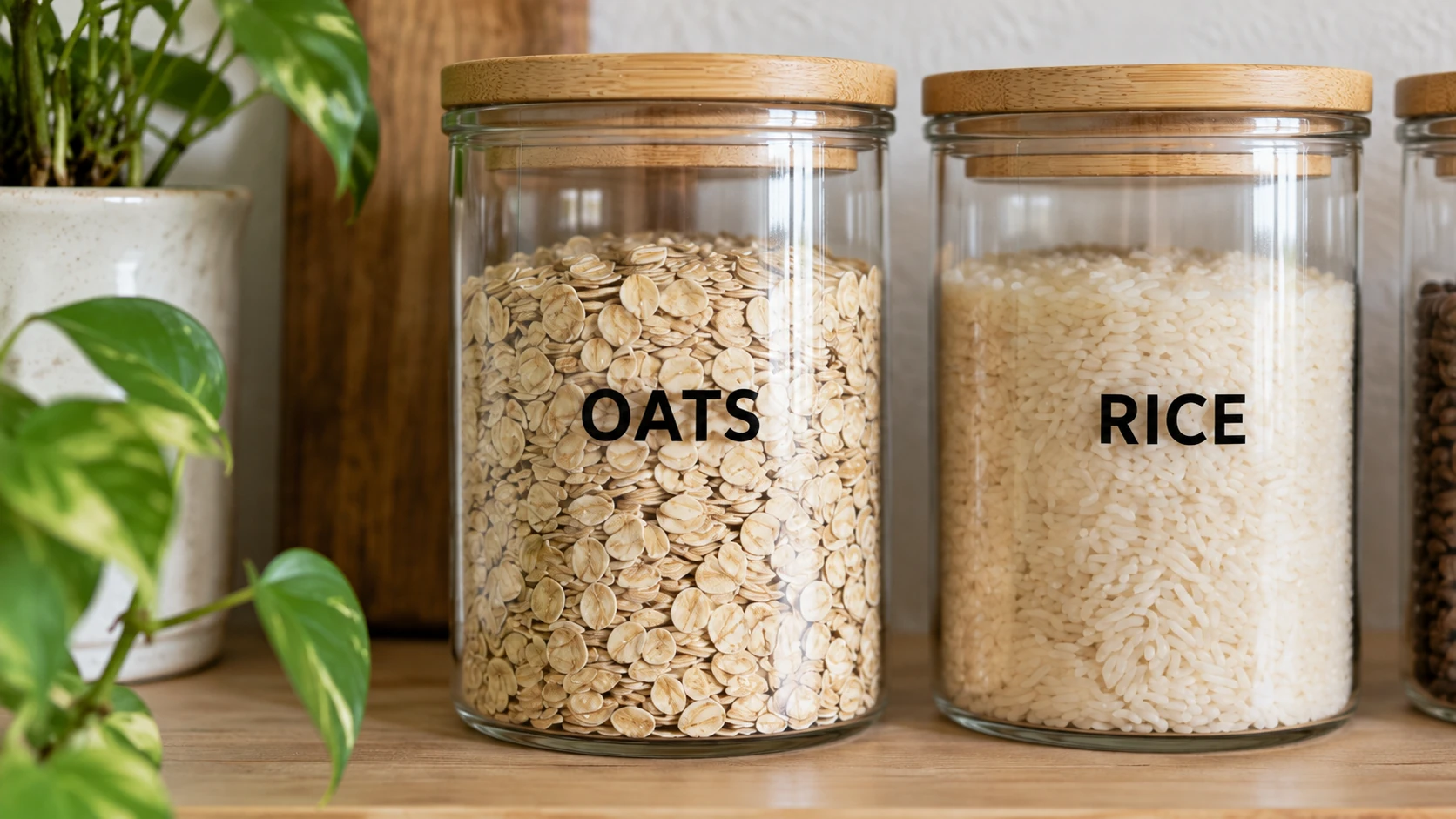
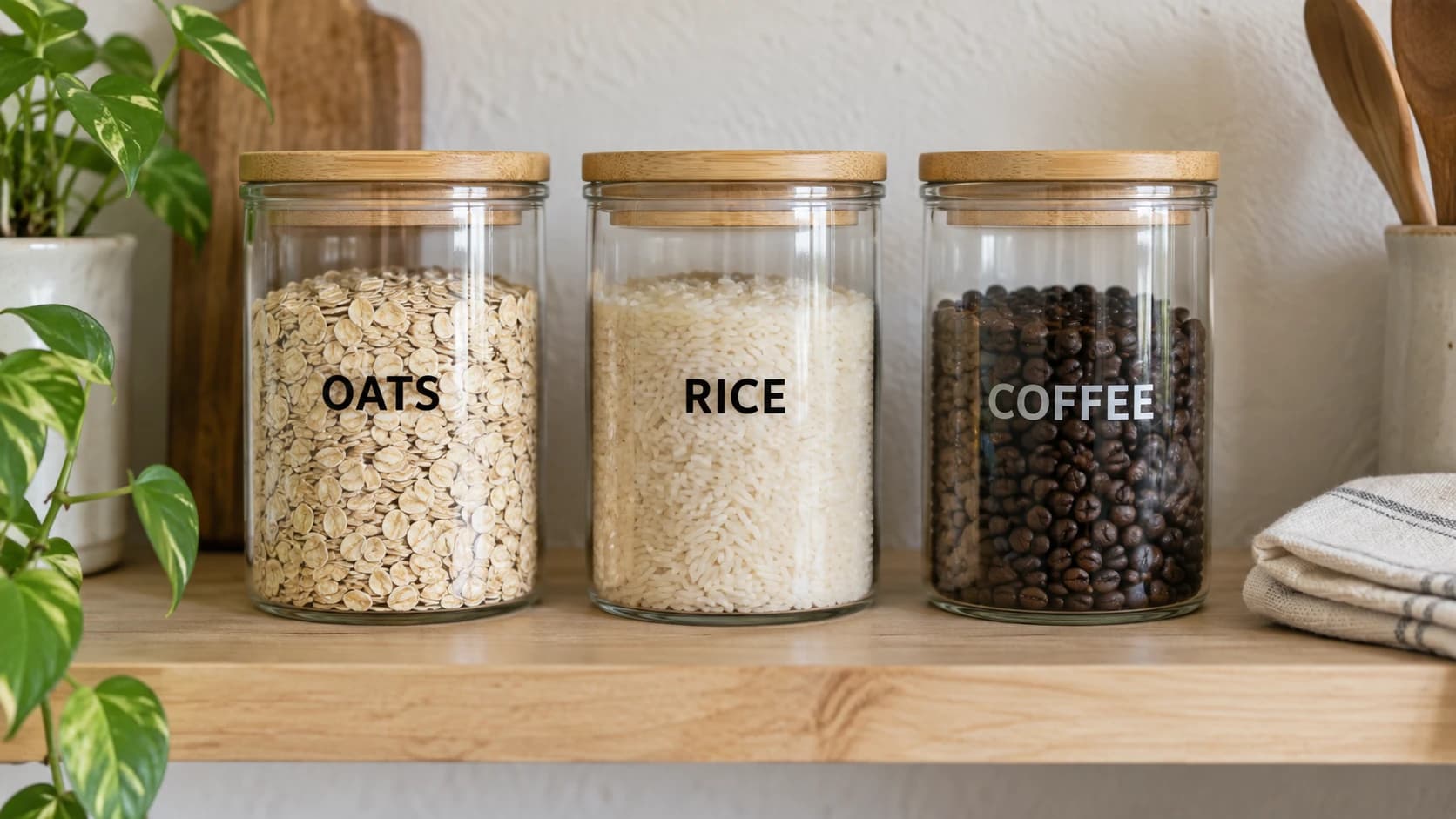
A closer look at the jar labels: individual vinyl letters sit directly on the glass, with no rectangular backing around the words.
Home Decor
- Interior door decal. A decorative motif on a kid's bedroom door or pantry door. Removable vinyl means you can change your mind later. (Beginner)
- Framed layered art. Cut a design in two or three cardstock colors, stack them with foam adhesive dots for depth, and frame it. Looks far more expensive than it is. (Intermediate)
- Decorative wall decals. Stars, botanical shapes, or a mountain skyline across a nursery wall. Removable vinyl, applied piece by piece. (Beginner)
- Plant pot markers. Small vinyl icons on terracotta pots, or plant stakes cut from thick cardstock. (Beginner)
- Candle jar wraps. A delicate vinyl design around a glass candle jar. Keep the design below the wax line. (Beginner)
- Faux stained glass. Transparent window cling vinyl in several colors, layered on a sunny window. (Intermediate)
- Seasonal wreath accents. Cut leaves, snowflakes, or flowers from cardstock or felt and wire them into a plain wreath base. (Beginner)
Paper and Cardstock
Paper is the cheapest material you can feed a cutting machine, and it shows off the machine's precision better than anything else. Intricate cuts that would take an hour with a craft knife take ninety seconds.
- Greeting cards. Start with a single cut-out shape on the front panel, then work up to layered designs. (Beginner)
- Gift tags. Cut a batch of twenty from one sheet of kraft cardstock. You will never buy gift tags again. (Beginner)
- 3D paper flowers. Cut petal shapes, curl them around a pencil, and glue them into roses and peonies. A bouquet of these is a legitimate wow gift. (Intermediate)
- Paper butterflies. Cut a cloud of them in graduated sizes and pin them to a wall in a spiral. Classic nursery decor. (Beginner)
- Cake toppers. Glitter cardstock on a wooden skewer. Birthday hero status for pocket change in material. (Beginner)
- Luminaries. Cut an intricate pattern into cardstock, fold it into a box, and drop an LED tea light inside. Real candles and paper are not friends. (Intermediate)
- Pop-up cards. Fold mechanics take a little study, but a card that unfolds into a 3D scene is unforgettable. (Advanced)
- Paper garlands. Strings of cut shapes for parties or a mantel. Fast, cheap, and they photograph beautifully. (Beginner)
Paper deserves its own deep dive, and we wrote one: paper and cardstock cutting machine projects covers settings, blade choices, and the projects above in real detail.
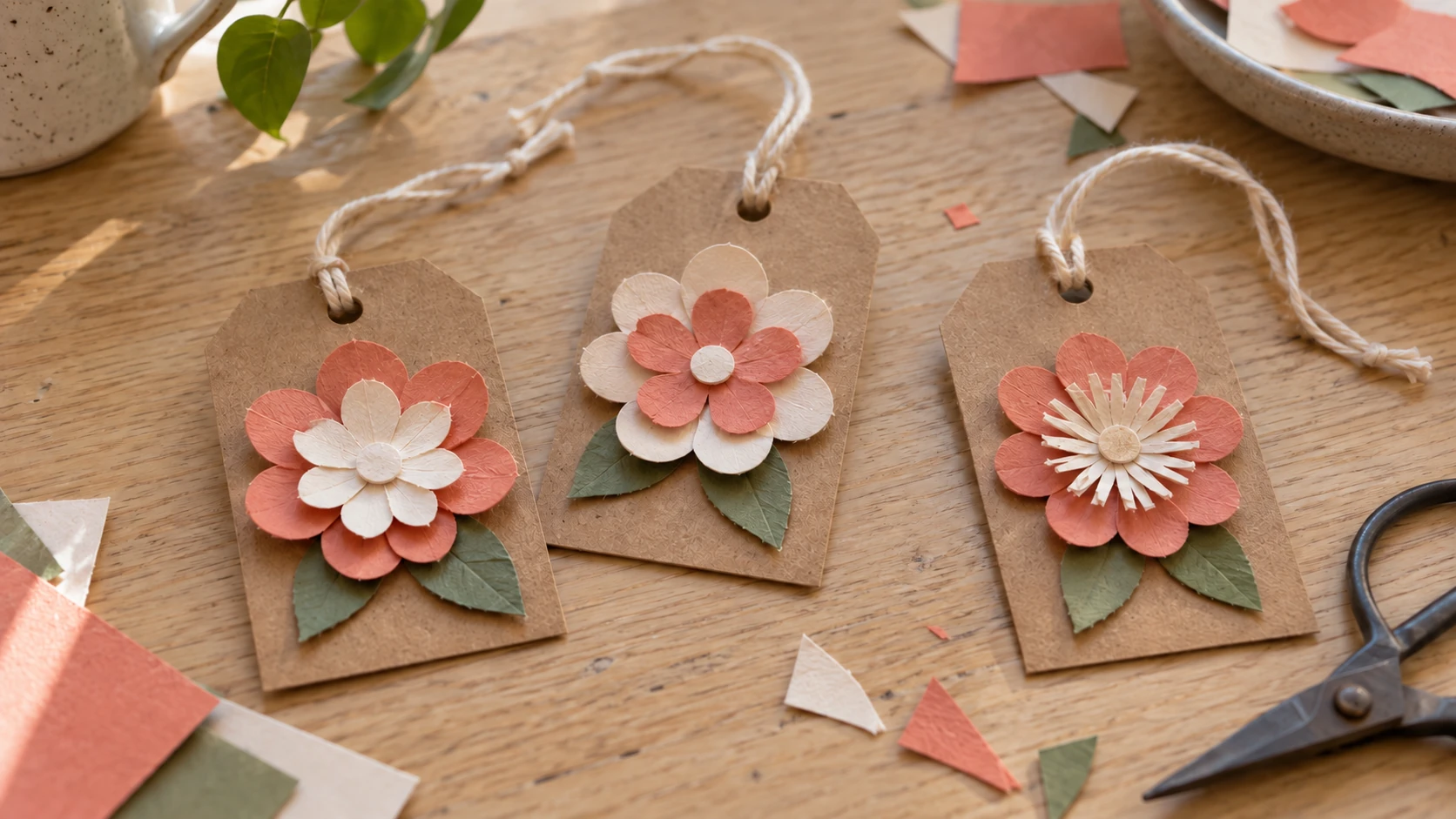
For a separate paper project, add a layered flower and thread a cord through a cut hole in each tag.
Iron-On and Apparel
Heat transfer vinyl (HTV) cuts like regular vinyl but bonds to fabric with heat. A household iron works; a small heat press works better and costs less than you'd think.
- Custom t-shirt. The rite of passage. One color, one press. (Beginner)
- Tote bag. A tote lies flat and costs little, and it forgives more than a shirt because nobody inspects a tote at close range. Honestly a better first HTV project than a shirt. (Beginner)
- Baby onesie. Small design, small press area, huge gift energy. (Beginner)
- Dog bandana. Cut a paw print or bone design, press, done. The dog will not appreciate it. Everyone else will. (Beginner)
- Matching family shirts. The classic vacation move. Cutting the same design in four sizes teaches you how scaling affects small details. (Beginner)
- Kitchen apron. A design across the chest panel. Flat surface, thick fabric, very forgiving. (Beginner)
- Glitter HTV design. Glitter vinyl cuts and weeds differently than smooth HTV, so treat this as a step up. (Intermediate)
- Canvas shoes. Pressing onto a curved, seamed surface takes patience and a small heat press. Save this one for later. (Advanced)
Warning
Mirror standard HTV designs before cutting; printable iron-on and a few specialty products are the exception, so check the material instructions. It cuts face-down, so you press the flipped side. Skip this step and your design comes out backwards on the shirt. Every single Cricut owner has done it exactly once.
Organization
These are the projects that make the machine pay rent. They're also the ones guests notice.
- Pantry labels. Matching designs across every canister turn a messy shelf into something out of a magazine. (Beginner)
- Spice jar labels. Same idea, smaller scale. Weeding tiny pieces builds fine-motor patience. (Beginner)
- Bathroom organizer labels. Small vinyl icons on baskets and bins. (Beginner)
- Garage bin labels. Weatherproof vinyl with bold icons so anyone can find the drill without asking you. (Beginner)
- Cable tags. Small wrap-around vinyl tags that end the mystery-charger drawer forever. (Beginner)
- Planner stickers. Printable sticker paper plus a print-then-cut workflow. Design your own icons instead of buying sticker packs. (Intermediate)
- Toy bin icons. Icon labels help pre-readers put things away. In theory. (Beginner)
Tip
Want to prep an image before cutting? Canvas Pro is a free browser-based editor with layers and brushes. Clean up or combine artwork there, export a PNG, then run it through MonoTrace to get the cuttable SVG.
Party and Seasonal
- Party banner. Cut pennant shapes from cardstock and string them up. Make the design once and reuse it for every party this year. (Beginner)
- Cupcake toppers. Small circles or shapes on toothpicks. A batch of 24 cuts from a single sheet. (Beginner)
- Halloween window silhouettes. Bats, cats, and haunted houses in black removable vinyl or cardstock. (Beginner)
- Christmas ornaments. Layered cardstock snowflakes, or vinyl designs applied to plain ball ornaments from the craft store. (Beginner)
- Party favor boxes. Cut and fold small gift boxes from patterned cardstock. Score lines make the folds crisp. (Intermediate)
Projects You Can Sell
Once the basics click, these categories are popular starting points. Check current marketplace demand before you batch-produce anything. Start small: one product, done well, listed clearly.
- Custom tumblers. Vinyl decals on insulated cups are a craft fair staple with healthy margins. (Intermediate)
- Faux leather earrings. Cut from faux leather sheets using your machine's faux leather setting, and run a test cut first. Jewelry is one of the biggest handmade categories on Etsy. (Intermediate)
- Car decals for local businesses. Small shops pay real money for door and window decals. Outdoor permanent vinyl only. (Intermediate)
- Sticker sheets. Print-then-cut sticker sheets of your own artwork. Low shipping cost, high repeat-purchase rate. (Intermediate)
- Seasonal door hangers. Layered cardstock or thin chipboard designs that swap out by season. Buyers refresh them every season. (Intermediate)
Which Material for Which Project
A quick cheat sheet for the materials this list leans on. For the full rundown of what cuts well, what fights you, and what to buy first, see our best materials for Cricut and Silhouette guide.
| Material | Best For | Cost | Difficulty |
|---|---|---|---|
| Removable vinyl | Wall and door decals, seasonal decor | $ | Beginner |
| Permanent vinyl | Tumblers, car decals, labels | $ | Beginner |
| Cardstock | Cards, banners, flowers, toppers | $ | Beginner |
| Smooth HTV | Shirts, totes, aprons | $ | Beginner |
| Glitter HTV | Statement apparel designs | $$ | Intermediate |
| Printable sticker paper | Planner stickers, sticker sheets | $$ | Intermediate |
| Faux leather | Earrings, keychains, bookmarks | $$ | Intermediate |
Getting the Design Files
Every one of these 50 projects needs a cut file, and this is where beginners get stuck more often than at the machine itself. You have three free options:
Convert an image you found or drew. MonoTrace turns any PNG or JPG into a clean SVG your machine can cut. Free to use, and the most common path for projects like decals and layered art.
Edit first, then convert. When the source image needs work, crop it, combine elements, or paint over flaws in Canvas Pro, export the PNG, and trace it in MonoTrace.
Fix format problems. Some cutting software wants DXF instead of SVG, and some downloads arrive in the wrong format entirely. File Converter handles SVG, DXF, PDF, and common image formats without using tool credits. Downloading the converted file requires an active paid plan.
Frequently Asked Questions
What is the easiest Cricut project for a complete beginner?
A single-color vinyl decal on a flat surface, like a laptop or a tile coaster. It uses the cheapest material, the default blade, and teaches cutting, weeding, and transfer tape in one short session. If the first attempt goes sideways, you're out a scrap of vinyl.
Do I have to buy designs, or can I make my own?
You can absolutely make your own. Any image you created, licensed, or have permission to use can become a cut file: convert it with MonoTrace for free, and edit it first in Canvas Pro if it needs cleanup. Plenty of legitimately free SVGs exist online too, though quality and license terms vary, so check the permitted uses before you cut or sell anything.
How much material should I buy to start?
Less than you think. One roll each of removable and permanent adhesive vinyl, a small pack of assorted cardstock, and one roll of smooth HTV covers over half the projects on this list. Skip the giant bundle kits until you know which materials you actually reach for.
Does this list work for Silhouette machines too?
Yes. Every project here is about the material and the design, not the brand. Silhouette Cameo owners follow the same steps in Silhouette Studio instead of Design Space. One note: opening SVG files in Silhouette Studio requires the Designer Edition upgrade, while the bundled Basic Edition opens DXF files, which File Converter can produce from any SVG without using tool credits. Downloading the converted file requires an active paid plan.
Pick One and Cut It
Fifty ideas is useful exactly once: the moment you pick one. So pick the one that made you think "oh, I'd actually use that" and cut it this week. Vinyl decal, gift tags, a tote bag. It doesn't matter which. The first finished project is what turns the machine from an expensive shelf ornament into a habit.
When you've got a design in mind, run it through MonoTrace and you'll have a cut-ready SVG in under a minute, free. Then load the mat.
Related Tools
MonoTrace
Turn photos and artwork into SVG outlines for free, with an optional sketch mode.
File Converter
Convert supported combinations of vector, document, raster-image, and 3D-mesh formats.
Plan required for downloads
Canvas Pro
Edit images with layers, brushes, shapes, text, and selection tools. Export PNG, JPEG, or WebP.
QR Code Generator
Create QR codes for web links, contact details, and Wi-Fi credentials.
Ready to try these tools?
Sign up free, no credit card required. Free tools available immediately.
Start Free