

Decorative Scrollwork Patterns for Laser Engraving and CNC
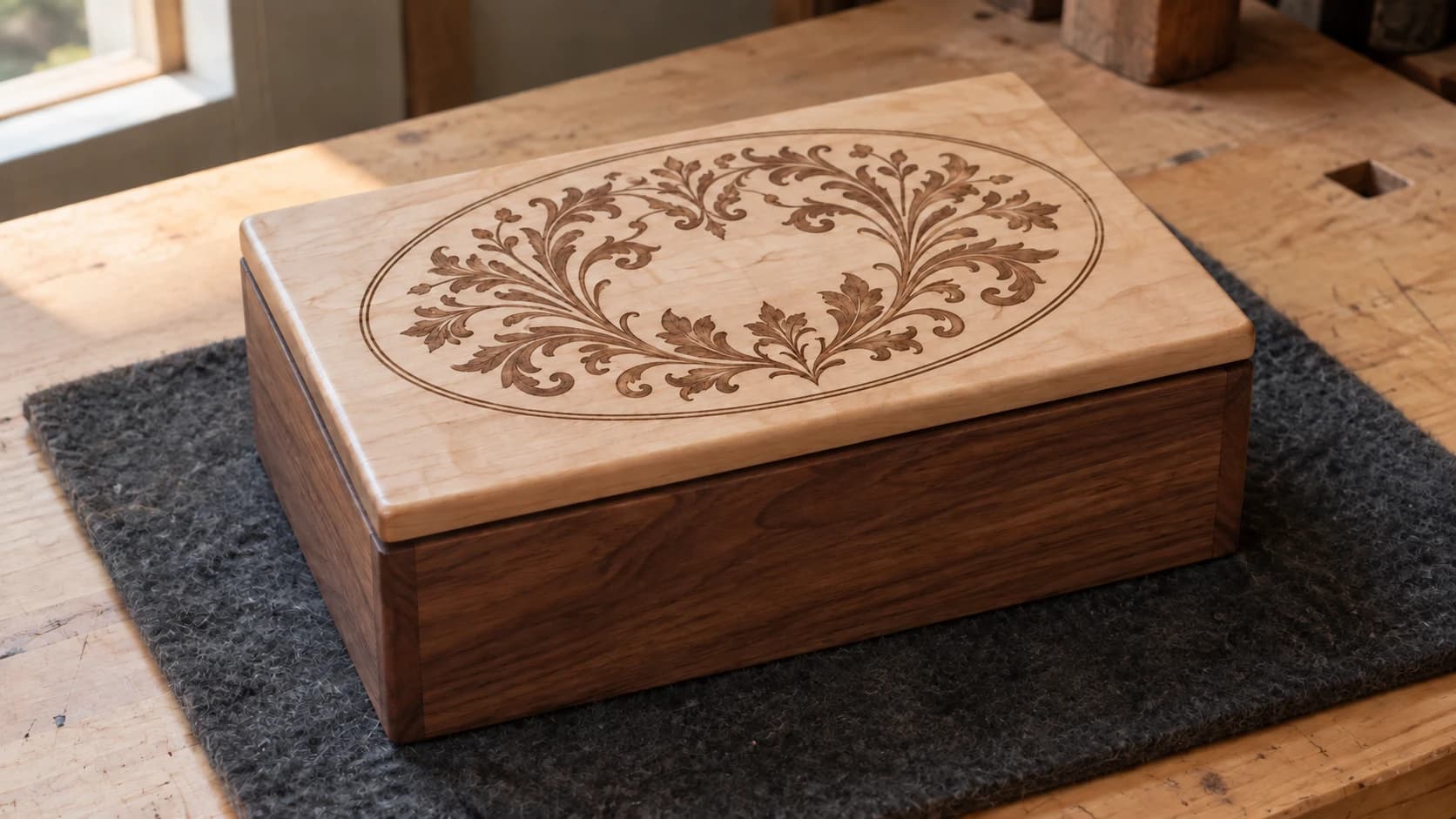
You've got a shape. Maybe it's a sign blank, a jewelry box lid, or a decorative panel. The outline is done. Now what goes inside? A solid fill is boring. A simple crosshatch is generic. What you really want is intricate, hand-drawn-looking scrollwork that fills the shape naturally, flowing from edge to edge with elegant curves and organic detail.
Creating that kind of ornamental pattern by hand takes real artistic skill and serious time. Most makers end up searching stock SVG sites for scrollwork, then spending an hour in a vector editor trying to clip it to their shape. The results are usually okay at best.
DecoFill skips all of that. Upload a shape outline, pick a scrollwork style, and the AI generates a pattern that fills your shape perfectly. The pattern respects the shape boundaries, flows naturally within the contours, and looks like it was drawn specifically for that shape. Because it was.
How DecoFill Works
The process is straightforward:
- Upload a shape outline (SVG or image with a clear shape boundary)
- Choose a scrollwork style from 65 options
- Set complexity and symmetry
- Generate (costs 1 credit)
- Download the filled SVG
The AI generates scrollwork that fits naturally within your specific shape. It's not clipping a generic pattern to your outline. The curves, density, and flow are custom-generated to work with your shape's proportions and contours.
PRINT. CUT. CARVE.
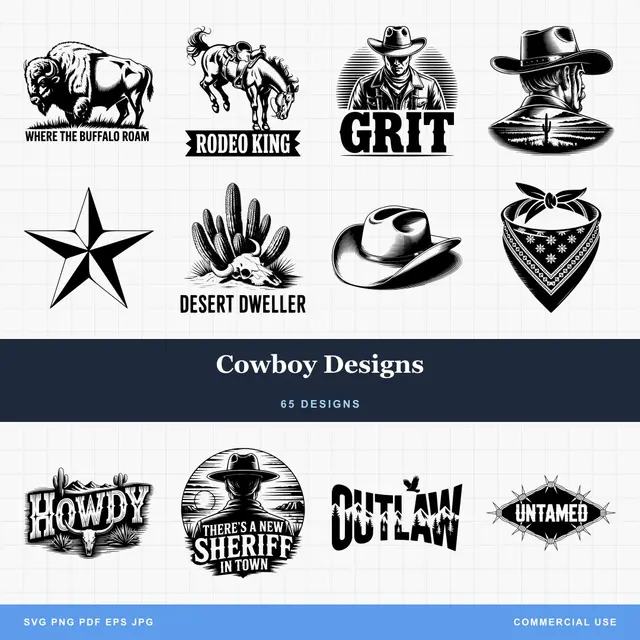
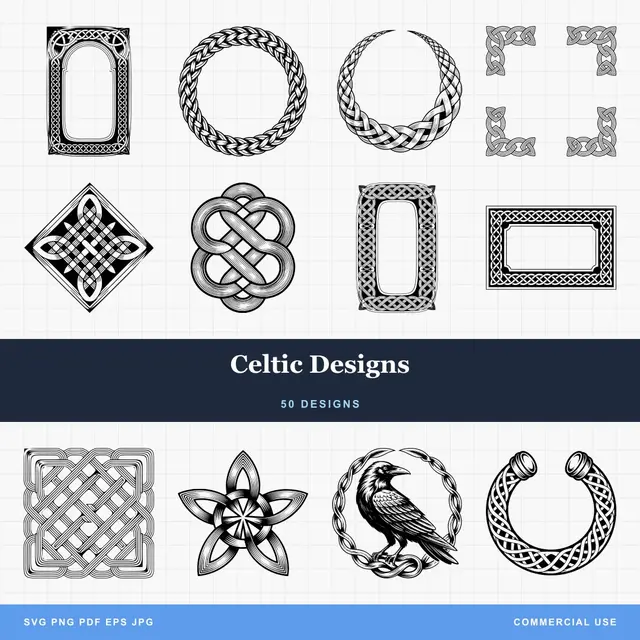
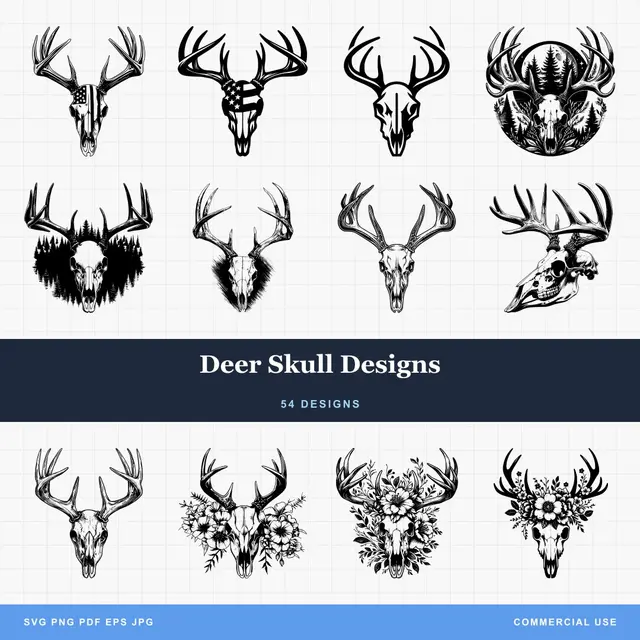
- Multiple formats (SVG, DXF, PNG)
- Machine-tested designs
- Commercial licenses
Sponsored by PrintCutCarve.com
The Style Library
DecoFill has 65 scrollwork styles organized by tradition and aesthetic. Here's a sampling of what's available:
Western and European
| Style | Character | Good For |
|---|---|---|
| Victorian | Dense, ornate curves with botanical elements | Furniture panels, mirror frames |
| Art Nouveau | Flowing organic lines, flower and vine motifs | Decorative panels, jewelry box lids |
| Art Deco | Geometric symmetry, fan shapes, bold lines | Signs, cabinet inserts, wall art |
| Baroque | Highly ornate, acanthus leaves, scrolling volutes | Grand frames, architectural elements |
| Rococo | Asymmetric, playful curves, shell motifs | Decorative plaques, gift boxes |
| Celtic | Interlaced bands, knots, spiral patterns | Coasters, round plaques, ornaments |
| Western | Tooled leather style with floral scrolls | Belt buckles, saddle accessories, signs |
| Gothic | Pointed arches, tracery, finials | Religious items, architectural panels |
Asian and Middle Eastern
| Style | Character | Good For |
|---|---|---|
| Japanese | Cloud forms, waves, cherry blossoms | Wall art, serving trays |
| Chinese | Dragons, clouds, geometric lattice | Decorative screens, cabinet panels |
| Islamic | Geometric arabesques, tessellating patterns | Tiles, decorative panels |
| Indian (Mughal) | Dense floral motifs, paisley, lattice | Box lids, ornamental plates |
| Persian | Intertwined florals with geometric framework | Wall hangings, furniture accents |
Indigenous and Ancient
| Style | Character | Good For |
|---|---|---|
| Aztec | Angular geometric patterns, step motifs | Wall art, coasters |
| Mayan | Intricate geometric glyphs, squared spirals | Plaques, decorative panels |
| Norse | Interlaced animals, knotwork, rune borders | Shield blanks, round art |
| Egyptian | Lotus, papyrus, symmetric hieroglyphic style | Bookends, jewelry boxes |
| Maori | Bold curvilinear forms, koru spirals | Round plaques, signs |
And there are plenty more. Each style has a distinct personality that changes the entire feel of the finished piece.
Complexity and Symmetry
Beyond style selection, two settings dramatically change the output:
Complexity (1-10)
Low (1-3): Minimal detail, large open areas, bold simple curves. Good for small pieces where fine detail would be lost, or when you want the scrollwork to be subtle rather than overwhelming.
Medium (4-6): Balanced detail and open space. The sweet spot for most projects. Enough detail to be impressive without being so dense that the pattern becomes visual noise.
High (7-10): Maximum density and intricacy. Every area filled with detail. Stunning on large pieces viewed up close, but can look muddy at small sizes or from a distance.
Tip
Match complexity to the viewing distance. A 24" wall panel viewed from 6 feet away? High complexity looks incredible. A 3" ornament in someone's hand? Keep complexity at 3-4 so the pattern reads clearly at that scale.
Symmetry Options
None: The pattern fills the shape organically with no mirroring. Most natural-looking, works with any shape.
Vertical mirror: Left and right sides mirror each other. Great for signs, shields, and vertically-oriented pieces.
Horizontal mirror: Top and bottom mirror each other. Less common, but works well for some frame designs.
Quad: Mirrored in four quadrants. Creates a kaleidoscope-like effect. Beautiful for square and circular shapes.
Radial (4, 6, or 8-way): Rotational symmetry radiating from the center. Perfect for circular pieces like coasters, clock faces, and round plaques. Higher radial counts create more intricate mandala-like patterns.
The Inset Border Option
DecoFill has an option to leave a margin around the edge of your shape. When enabled, the scrollwork stays inset from the shape boundary, creating a clean border between the shape edge and the pattern fill.
This serves two purposes:
Visual breathing room. Dense scrollwork that goes right to the edge can feel cramped. An inset border gives the eye a natural frame.
Practical cutting consideration. If you're laser cutting the shape outline and engraving the scrollwork inside, a border ensures the engraved pattern doesn't run right up to the cut line, which can look unfinished or cause charring issues at the edge.
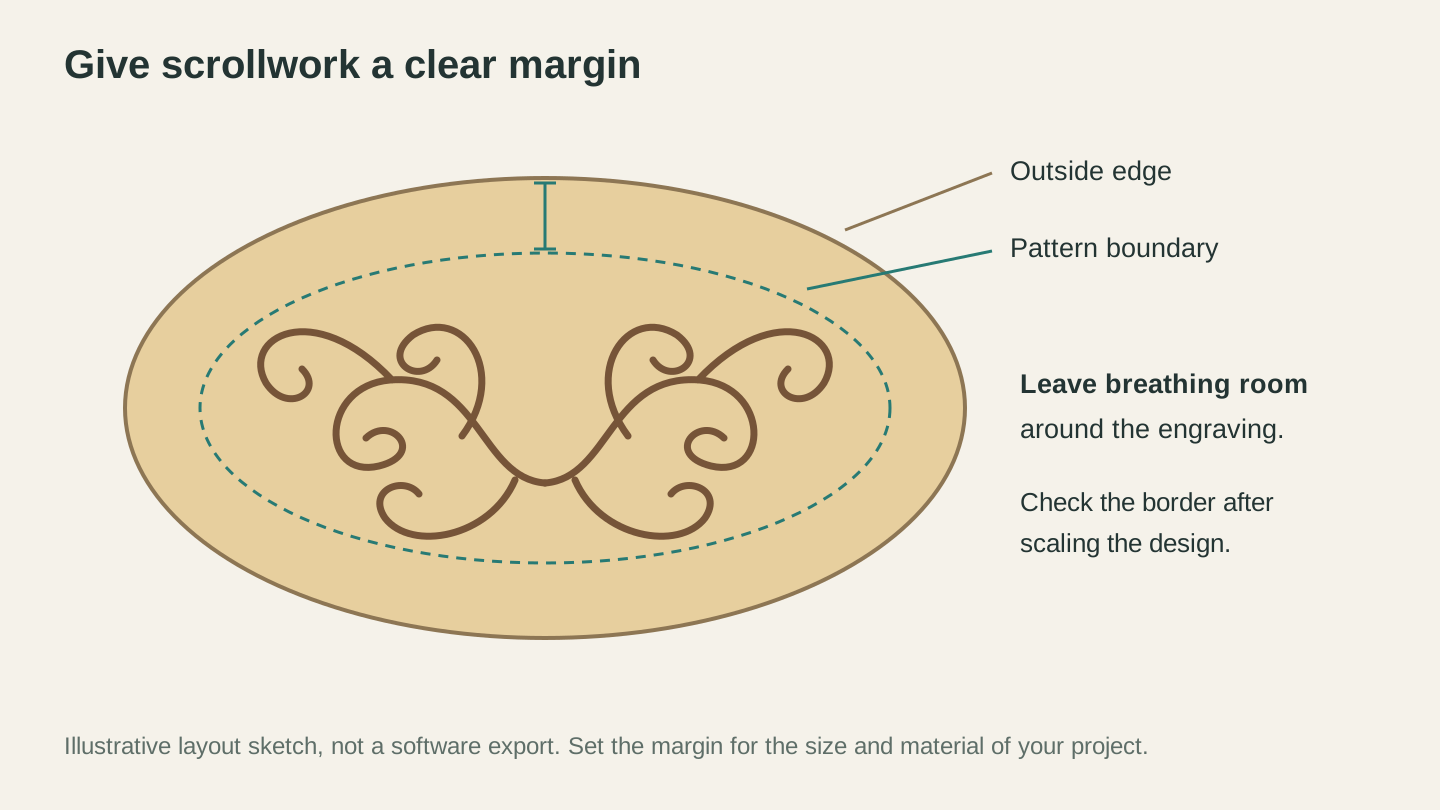
Allow space between the engraving and the outside edge. This layout sketch shows the relationship; it is not an export from DecoFill.
Project Walkthrough: Ornamental Sign
Here's a practical example from start to finish.
1. Create Your Shape
Design a sign blank in your favorite vector editor. A simple rectangle with rounded corners, an arched top, or a shield shape. Save as SVG.
If you don't have a vector editor, draw the outline by hand on paper, photograph it, and run it through MonoTrace to vectorize it. Or use Vector Studio to generate a decorative frame shape from a text prompt.
2. Upload to DecoFill
Open DecoFill and upload your shape SVG. The tool shows a preview of your outline.
3. Choose Style and Settings
For a classic Western-style sign, try the "Western" or "Victorian" style at complexity 5-6 with vertical mirror symmetry. Enable the inset border so the scrollwork doesn't crowd the edges.
4. Generate
Hit generate. The AI creates a scrollwork pattern custom-fitted to your sign shape. Review the result. If you want more or less detail, adjust complexity and regenerate.
5. Add Text
Download the filled SVG and open it in your design software. Add your sign text (a name, a business, a phrase) on top of the scrollwork. The text sits over the pattern, creating a layered look.
Info
DecoFill preserves any text already in your uploaded shape. If your SVG already contains text elements, the AI works around them, filling only the empty space. This means you can add text to your shape before uploading, and the scrollwork will flow around it naturally.
6. Set Up Your Machine
For laser engraving: Set the scrollwork layer to raster engrave and the outline to vector cut in your laser software. If you need one, Beam Bench is free. Engrave first, cut second. For wood engraving settings, check our laser settings for wood guide.
For CNC carving: Use a V-bit (60 or 90 degree) for the scrollwork lines. The V-bit follows the vector paths and creates elegant carved grooves. Set a shallow depth (0.5-1mm) for fine scrollwork. Cut the outline with a profile toolpath using a straight bit.
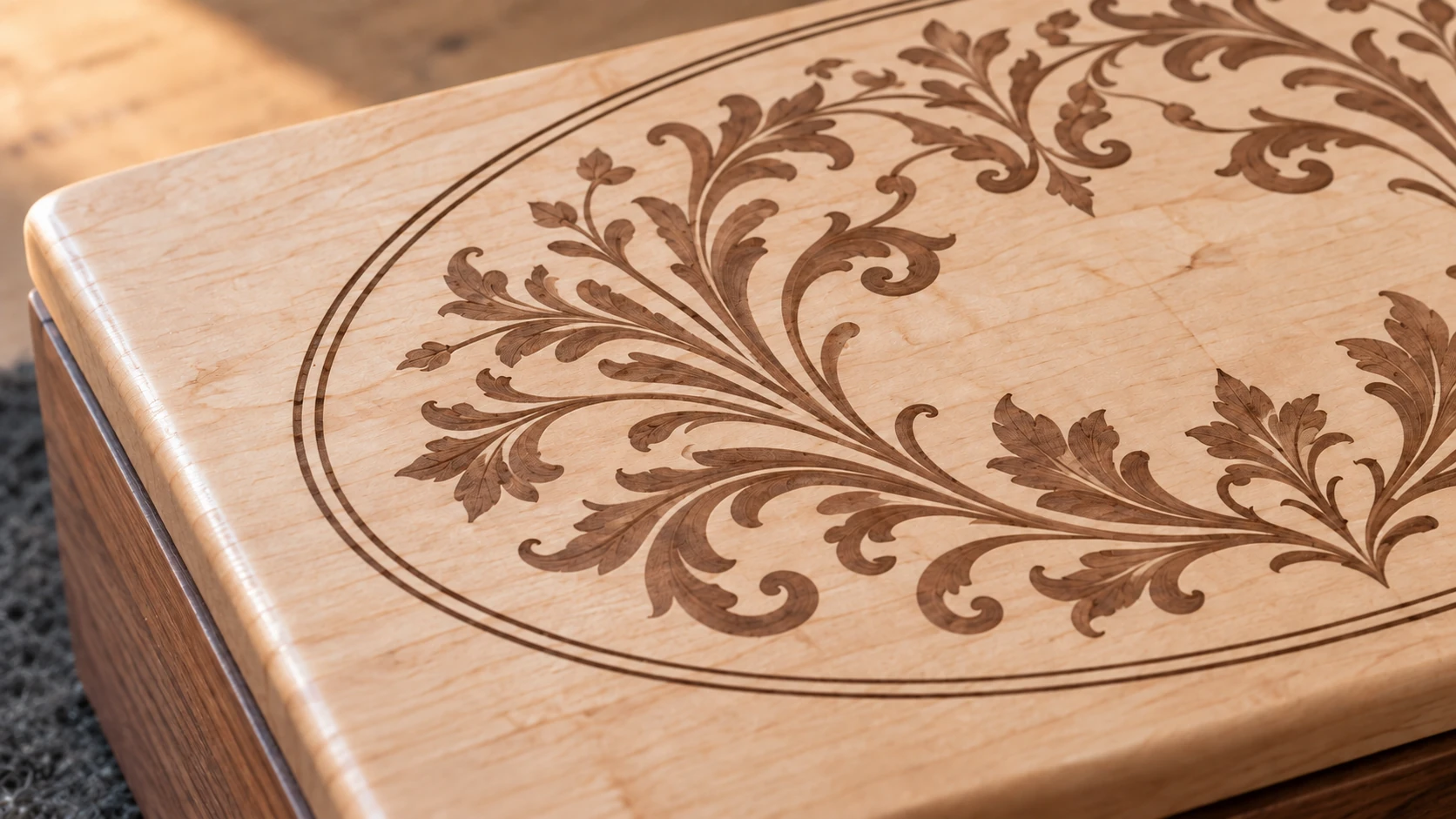
The maple remains intact beneath the fine scrollwork. An open margin around the pattern keeps the decoration from crowding the lid’s edge.
More Project Ideas
Jewelry box lids: Upload the lid outline, fill with Art Nouveau or Japanese scrollwork. Engrave the pattern, cut the lid shape. The lid becomes the showpiece of the box.
Coasters: Round shapes with radial 6 or 8-way symmetry create mandala-like patterns. Celtic or Islamic styles work especially well on circular shapes.
Guitar pickguards: Upload a pickguard outline (with pickup cutouts), fill with Western or art deco scrollwork. Custom pickguards that look hand-engraved.
Cabinet door panels: Replace plain panel inserts with scrollwork-filled shapes. Victorian or Baroque styles match traditional cabinetry. Art Deco for mid-century modern.
Ornaments: Small shapes (3-4") with Celtic or Norse scrollwork. Cut from 1/8" birch or acrylic. Drill a hole for the ribbon. Holiday gifts that take 5 minutes each.
Leather goods: If you use your laser for leather work, scrollwork patterns make excellent tooled-leather-look designs on belts, wallets, and journal covers.
Tips for Best Results
Start with clean outlines. The cleaner your shape boundary, the better the AI fills it. Remove stray nodes, double paths, or artifacts from your SVG before uploading.
Simple shapes fill better than complex ones. A rectangle, circle, or shield shape gives the AI clear space to work with. A very intricate outline with lots of narrow channels and tight corners is harder to fill naturally.
Experiment with styles. The same shape looks completely different filled with different scrollwork styles. Try 2-3 styles before committing. At one credit per generation, it's worth exploring.
Match style to the project's context. A Japanese-style scrollwork on a Western-themed ranch sign would look odd. Let the end use guide your style choice.
If you're new to laser engraving, our beginner's guide covers the fundamentals, and our common mistakes guide helps you avoid the usual pitfalls.
Go Fill a Shape
Open DecoFill, upload any shape, and try a few different styles. The first time a perfectly-fitted scrollwork pattern appears inside your sign blank or box lid, you'll wonder why you ever spent time clipping stock patterns by hand.
Happy making.
Related Tools
Ready to try these tools?
Sign up free, no credit card required. Free tools available immediately.
Start Free