

What Can You Make with a Cricut? 50+ Project Ideas for Beginners
You bought a Cricut. Or you're thinking about buying one and wondering if it's worth the money. Either way, you're asking the right question: what can you actually make with this thing?
The short answer: way more than you think. A Cricut is basically a robot that holds a blade (or pen, or scoring tool) and follows the paths in your SVG files with absurd precision. It cuts vinyl, paper, cardstock, fabric, leather, balsa wood, and dozens of other materials. The limiting factor isn't the machine. It's your imagination and your SVG file library.
Here are 50+ real project ideas, organized by category, with honest difficulty ratings so you know where to start.
Vinyl Decals and Stickers
Vinyl is where most Cricut owners start. Adhesive vinyl sticks to smooth surfaces. Heat transfer vinyl (HTV) bonds to fabric with heat. A roll costs a few dollars, so a botched cut costs you a scrap of material and five minutes, which is exactly the kind of mistake you want while you're learning the machine.
- Laptop stickers with custom designs or inside jokes. (Beginner)
- Water bottle decals with names, quotes, or monograms. (Beginner)
- Car window decals using outdoor-rated vinyl. (Beginner)
- Wall quotes and lettering for bedrooms, nurseries, or offices. (Beginner)
- Kitchen canister labels (Flour, Sugar, Coffee, etc.) for a clean pantry look. (Beginner)
- Address numbers for your mailbox or front door. (Beginner)
- Small business logo stickers for packaging and giveaways. (Beginner)
- Kids' name labels for lunchboxes, water bottles, and school supplies. (Beginner)
- Bathroom mirror decals with motivational quotes or designs. (Beginner)
- Holiday window clings using static cling vinyl. (Beginner)
Tip
For outdoor vinyl projects (car decals, mailbox numbers), use permanent outdoor vinyl rated for 3+ years. For indoor projects you might want to change later, use removable vinyl that peels off cleanly.
Need custom designs for vinyl? Vector Studio generates machine-ready SVGs from text descriptions, or convert any image to a cut file with MonoTrace.
PRINT. CUT. CARVE.
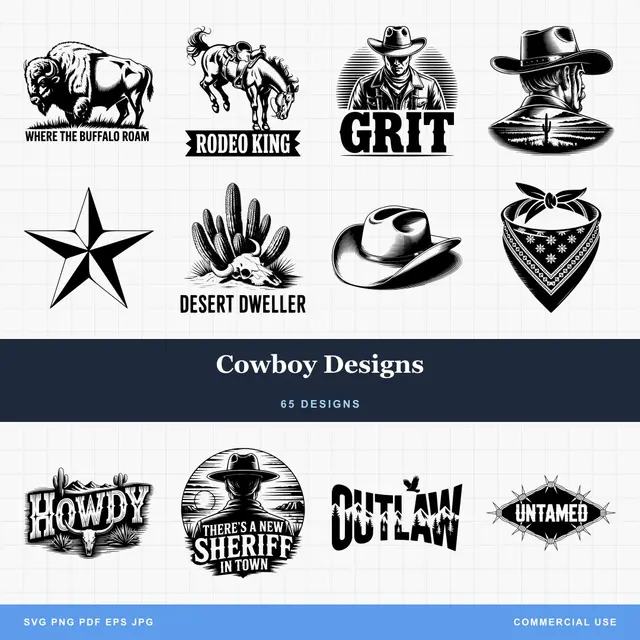
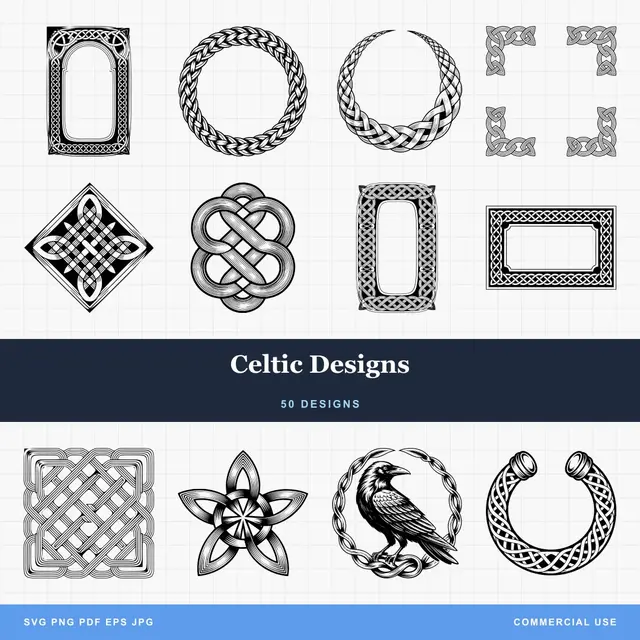
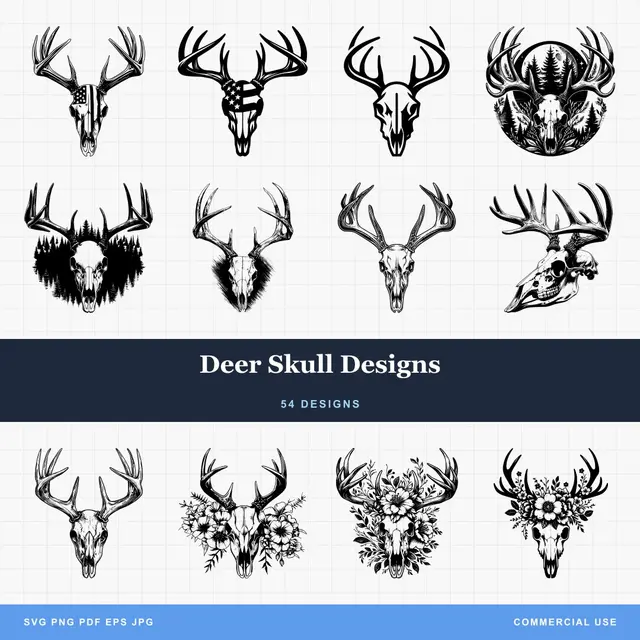
- Multiple formats (SVG, DXF, PNG)
- Machine-tested designs
- Commercial licenses
Sponsored by PrintCutCarve.com
HTV and Apparel
Heat transfer vinyl turns your Cricut into a custom apparel shop. Cut the design, weed the excess, press it onto fabric with a heat press or iron.
- Custom t-shirts for events, teams, or just because. (Beginner)
- Matching family vacation shirts (the classic). (Beginner)
- Baby onesies with funny sayings or names. (Beginner)
- Tote bags with designs or quotes. (Beginner)
- Hats and caps with small logos or text. (Intermediate)
- Sports jerseys with names and numbers. (Intermediate)
- Dog bandanas with pet names or paw prints. (Beginner)
- Canvas shoes with custom designs using HTV. (Intermediate)
- Aprons with cooking puns or family names. (Beginner)
- Pillowcases with monograms or holiday designs. (Beginner)
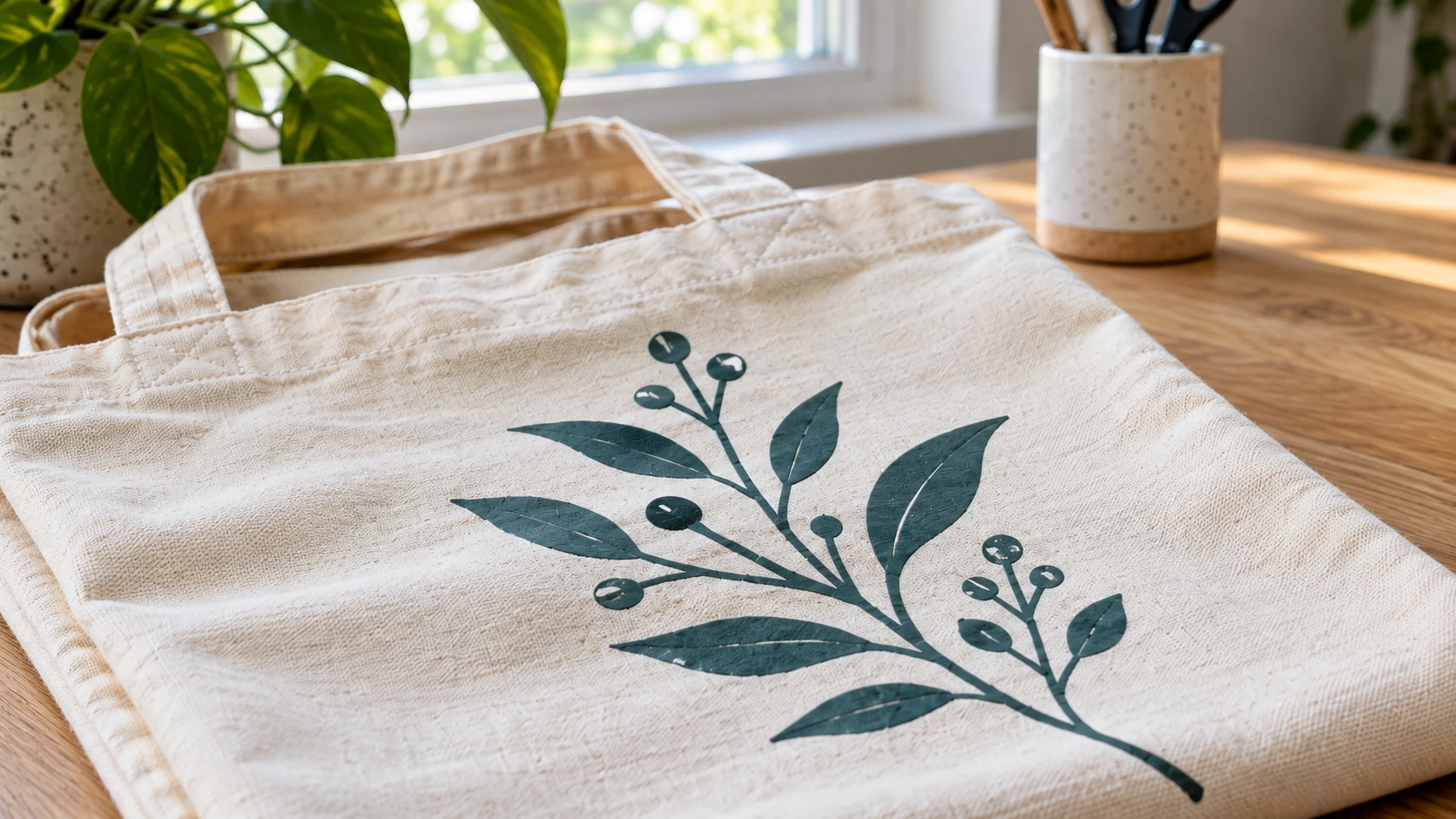
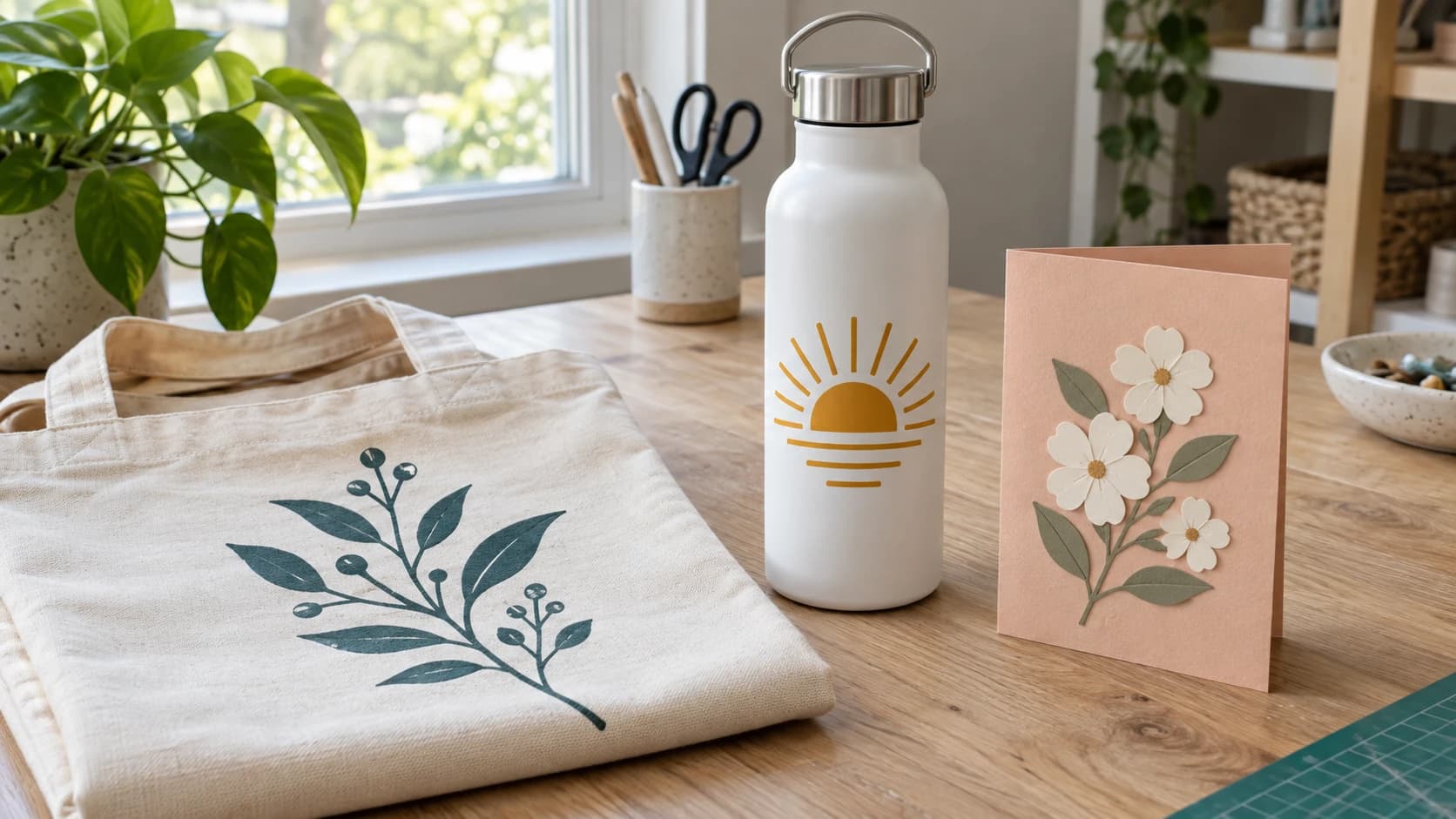
The thin decoration follows the fabric’s surface. Bold shapes are easier to handle than a design made from many tiny isolated details.
Paper and Cardstock
Paper crafts showcase the Cricut's precision. It cuts intricate designs that would take hours with scissors and an X-Acto knife.
- Wedding invitations with laser-cut style details. (Intermediate)
- 3D paper flowers for decor, shadowboxes, or bouquets. (Intermediate)
- Greeting cards with cut-out designs and layered elements. (Beginner)
- Cake toppers from glitter cardstock. (Beginner)
- Gift boxes with custom shapes and patterns. (Intermediate)
- Paper lanterns with intricate cut-out patterns. (Advanced)
- Bookmarks from cardstock or faux leather. (Beginner)
- Party banners with letters and shapes. (Beginner)
- Shadow boxes with layered paper scenes. (Intermediate)
- Cupcake wrappers with decorative patterns. (Intermediate)
For more paper project inspiration, check out our paper and cardstock projects guide.
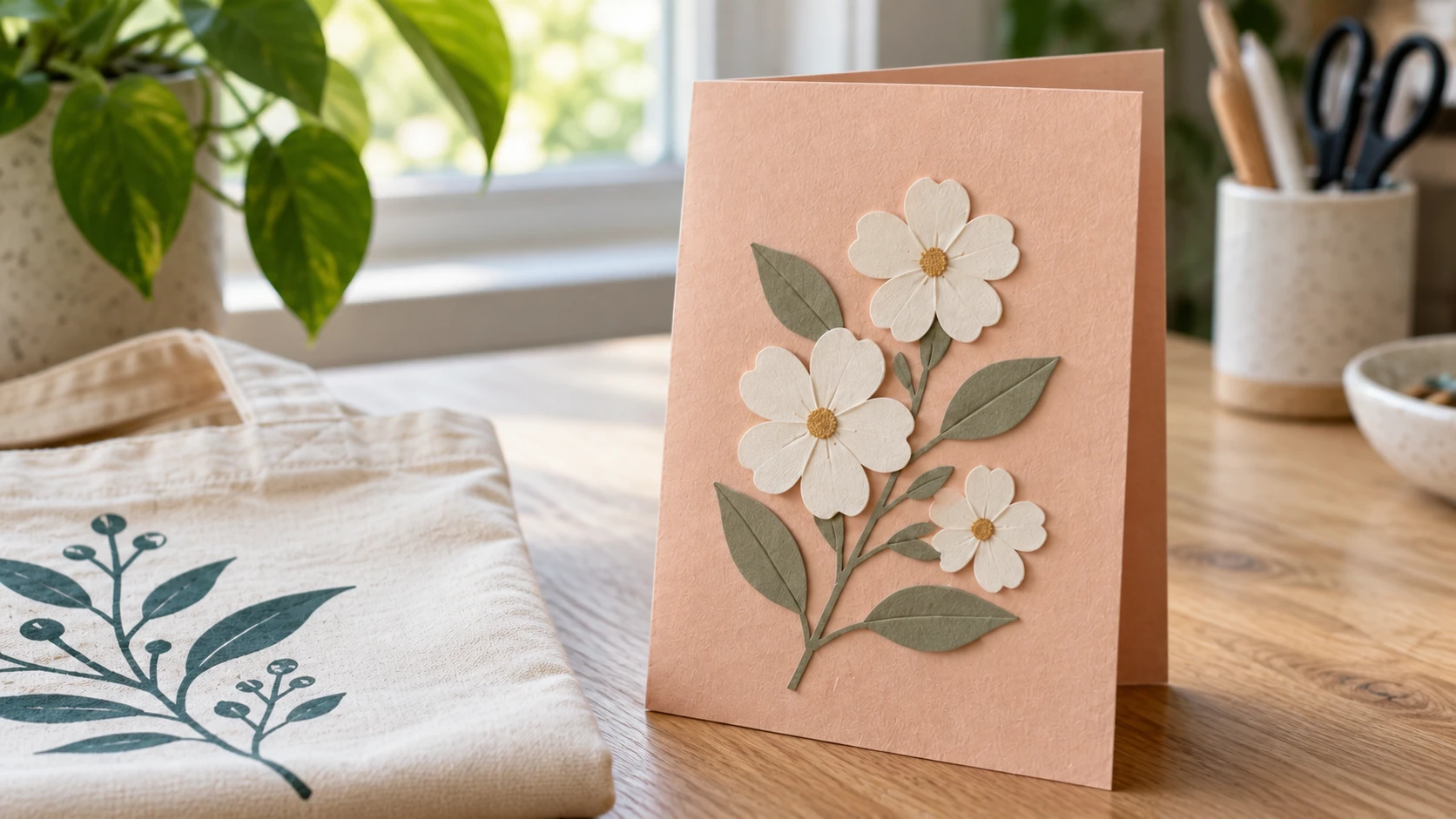
The card gets its dimension from separate paper layers. Each flower and leaf has a real attachment to the folded base beneath it.
Home Decor
- Wooden signs (Cricut cuts thin balsa and veneer for layered signs). (Intermediate)
- Glass etching using vinyl as a stencil with etching cream. (Intermediate)
- Tile coasters with vinyl designs. (Beginner)
- Faux leather earrings (a massive Etsy category). (Intermediate)
- Door hangers from chipboard or layered cardstock. (Beginner)
- Magnetic fridge labels with vinyl on magnetic sheets. (Beginner)
- Holiday ornaments from wood, acrylic, or cardstock. (Beginner)
- Plant pot labels with herb and flower names. (Beginner)
- Light switch plate decals with small vinyl accents. (Beginner)
- Welcome mats using a stencil cut from vinyl and outdoor paint. (Intermediate)
Stencils
Your Cricut excels at cutting stencils from adhesive vinyl, mylar, or cardstock. Use the stencils with paint, airbrushing, or etching cream.
- Wood sign stencils for painting custom signs. (Beginner)
- T-shirt stencils for fabric paint (instead of or alongside HTV). (Beginner)
- Face paint stencils for kids' parties. (Intermediate)
- Furniture stencils for adding patterns to dressers, tables, or shelves. (Intermediate)
- Cookie stencils for decorating with royal icing or powdered sugar. (Beginner)
For a deep dive on stencil making, see our custom stencils guide.
Organization and Practical Stuff
- Planner stickers from sticker paper. (Beginner)
- Drawer organizer labels with consistent fonts and sizing. (Beginner)
- Garage bin labels with icons and text on weatherproof vinyl. (Beginner)
- Classroom decorations (letters, borders, name tags). (Beginner)
- Cord labels to identify which charger belongs to whom. (Beginner)
Things to Sell
If you're thinking about making money with your Cricut, these categories have proven demand:
- Custom tumblers (vinyl decals on Yeti-style cups). (Intermediate)
- Wedding decor bundles (signs, cake toppers, place cards). (Intermediate)
- Faux leather earrings on Etsy. (Intermediate)
- Digital SVG files (design once, sell forever). (Advanced)
- Personalized gifts (ornaments, cutting boards with vinyl, mugs). (Intermediate)
For more on selling your maker work, check out our guide to selling on Etsy and our post on finding your first customers.
Where to Get Designs
Every project needs an SVG file. You have four options:
Find free files. There are excellent free SVG sources online. Quality varies, but good ones exist. See our complete guide to free SVG files for laser and Cricut.
Convert images you already have. Got a PNG of a design, a logo, or something you sketched? MonoTrace converts any image to a clean SVG, free. Upload the image, adjust the settings, download a cut-ready file.
Generate custom designs. Need something specific? Describe it to Vector Studio and get a machine-ready SVG. "A floral wreath with roses" or "a geometric mountain scene" or whatever your project needs.
Edit and combine. Canvas Pro lets you edit images, add text, and create compositions in your browser, then MonoTrace converts the exported PNG to SVG. For format conversions between SVG, DXF, and other types, File Converter handles it without using tool credits. Downloading the converted file requires an active paid plan.
Tips for Cricut Beginners
A few things I wish someone had told me on day one:
Start with vinyl. It's cheap, forgiving, and teaches you the basics of weeding, transfer tape, and application without much risk. You can get a variety pack of adhesive vinyl for under $15.
Use the right mat. The green StandardGrip mat works for most materials. Blue LightGrip for paper and light cardstock. Purple StrongGrip for thick materials. Using the wrong mat causes materials to slip mid-cut or stick so hard you can't remove them.
Mirror your HTV. When cutting heat transfer vinyl, you need to mirror the design in your software. HTV cuts face-down because you peel the carrier sheet after pressing. Forget to mirror and your text reads backwards on the shirt. We've all done it.
Test cuts are free wisdom. Before cutting a full sheet of expensive glitter vinyl, do a small test cut in the corner. Adjust your pressure setting until it cuts through the vinyl but doesn't cut the backing paper.
Clean your blade. A dull blade tears material instead of cutting it cleanly. Tin foil ball trick: ball up aluminum foil and poke the blade into it a few times to clean debris. Replace the blade when cleaning doesn't help.
| Material | Mat | Blade | Difficulty |
|---|---|---|---|
| Adhesive vinyl | Green (Standard) | Fine-point | Beginner |
| HTV | Green (Standard) | Fine-point | Beginner |
| Cardstock (light) | Blue (Light) | Fine-point | Beginner |
| Cardstock (heavy) | Green (Standard) | Fine-point | Beginner |
| Faux leather | Purple (Strong) | Deep-point | Intermediate |
| Balsa wood | Purple (Strong) | Deep-point | Intermediate |
| Fabric (bonded) | Pink (Fabric) | Rotary | Intermediate |
| Chipboard (thin) | Purple (Strong) | Knife | Advanced |
The Only Limit Is Your SVG
The Cricut is a surprisingly capable machine once you stop thinking of it as "just for vinyl." Paper flowers, leather earrings, wood signs, custom stencils, and everything in between. The common thread is that every project starts with a design file.
Get comfortable finding and creating SVGs, and the project ideas become limitless.
So pick one project off this list and go make the file for it. Describe the design you want and let Vector Studio generate a cut-ready SVG for one credit, or turn artwork you already have into clean vector outlines with MonoTrace, which is free to use. Then load the mat and cut.
Related Tools
MonoTrace
Turn photos and artwork into SVG outlines for free, with an optional sketch mode.
File Converter
Convert supported combinations of vector, document, raster-image, and 3D-mesh formats.
Plan required for downloads
Vector Studio
Generate SVG artwork from a written prompt and selected style.
Canvas Pro
Edit images with layers, brushes, shapes, text, and selection tools. Export PNG, JPEG, or WebP.
Ready to try these tools?
Sign up free, no credit card required. Free tools available immediately.
Start Free