Cricut Gift Ideas You Can Make in an Afternoon
The birthday is Saturday. It is currently Thursday night, the Amazon window has closed, and you own a cutting machine that has been quietly judging you from the craft table. Good news: a Cricut or Silhouette is the single best last-minute gift machine ever sold to civilians. Bad news: half the "quick gift" ideas on Pinterest secretly take a weekend, a heat press you don't own, and a level of patience nobody has on a Thursday night.
This list is the honest version. Every idea here genuinely fits in one afternoon, including design time, weeding, and the part where you drop a tiny vinyl leaf on the carpet and lose it forever. For each one you get the material, a realistic clock, and where a Craftgineer tool saves you time. At the end there's a section on the projects that do NOT fit in an afternoon, because a gift list you can't trust is just a list.
If you're still deciding whether these machines are worth it at all, our what can you make with a Cricut overview covers the full range. This post assumes you have the machine and a deadline.
The Ground Rules for an Afternoon Gift
"An afternoon" here means about three to four hours, start to wrapped. That budget has to cover finding or making a design, cutting, weeding, applying, and cleanup. A few rules keep you inside it:
- One layer of vinyl. Single-color designs look intentional and skip alignment entirely. Layering is where afternoons go to die.
- Materials you already own. If the plan starts with "first, order specialty vinyl," it's not an afternoon project. Adhesive vinyl, one or two colors of iron-on, cardstock, and transfer tape cover everything below.
- The design is the bottleneck. Cutting takes two minutes. Scrolling for the perfect SVG takes two hours. Decide the design fast, then commit.
That third rule is where the tools earn their keep. Got a PNG, artwork you created or licensed, or a photo of your own pencil sketch? MonoTrace turns it into a cuttable SVG for free in about thirty seconds. Need to crop your own photo, remove an unwanted background object, or combine two graphics you have permission to use? Clean it up in Canvas Pro, export as PNG, then trace. And if your cutting software wants DXF instead of SVG, File Converter swaps formats without using tool credits. Both directions. Downloading the converted file requires an active paid plan.
PRINT. CUT. CARVE.
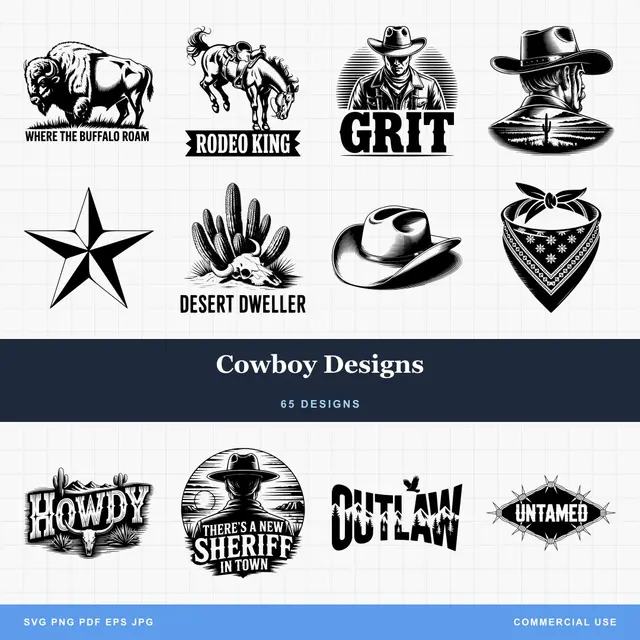
- Multiple formats (SVG, DXF, PNG)
- Machine-tested designs
- Commercial licenses
Sponsored by PrintCutCarve.com
Personalized Drinkware (45 to 90 Minutes)
The reigning champion of Cricut gifts. A plain stainless tumbler costs $10 to $15, and a well-placed vinyl decal makes it look like a $35 boutique purchase. Water bottles, coffee mugs, and wine glasses all work the same way.
- Material: Permanent adhesive vinyl. Not removable, not HTV. Permanent vinyl survives handwashing for years. Skip the dishwasher regardless of what the vinyl packaging promises.
- Realistic time: 45 minutes for a simple monogram-style motif, closer to 90 if the design has fine detail to weed.
- The move: Wipe the surface with rubbing alcohol first, and apply the decal to the flattest part of the curve. Wrapping a large decal around a tapered tumbler causes wrinkles; two smaller decals beat one big one.
A florals-and-initials combo is the classic, but think about the recipient's actual life. A mountain silhouette for the hiker. A dog breed outline for the dog person. If the perfect graphic only exists as a JPG, that's exactly the MonoTrace workflow above. Our vinyl decal how-to walks the full cut-weed-transfer process step by step if this is your first one.
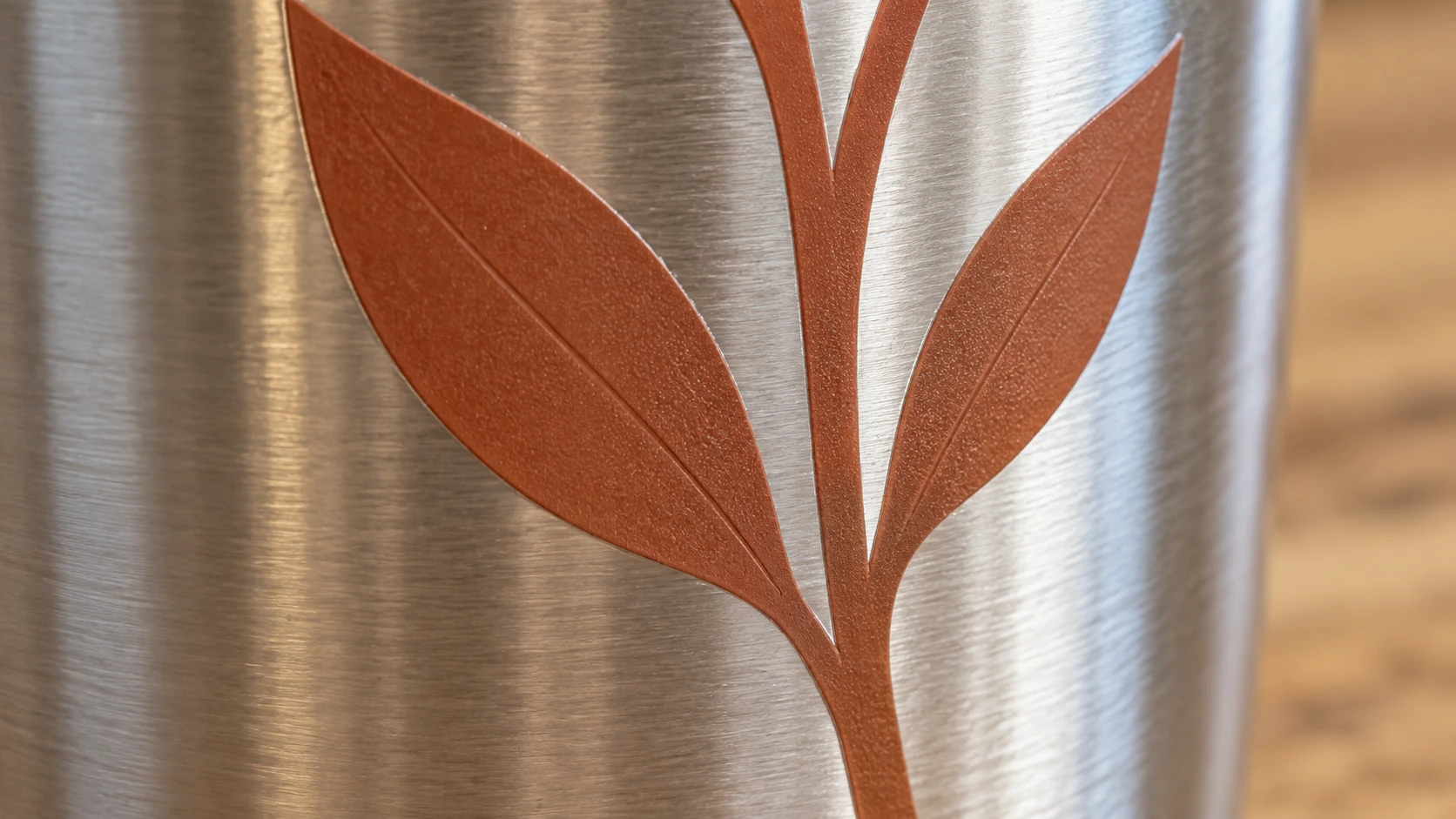
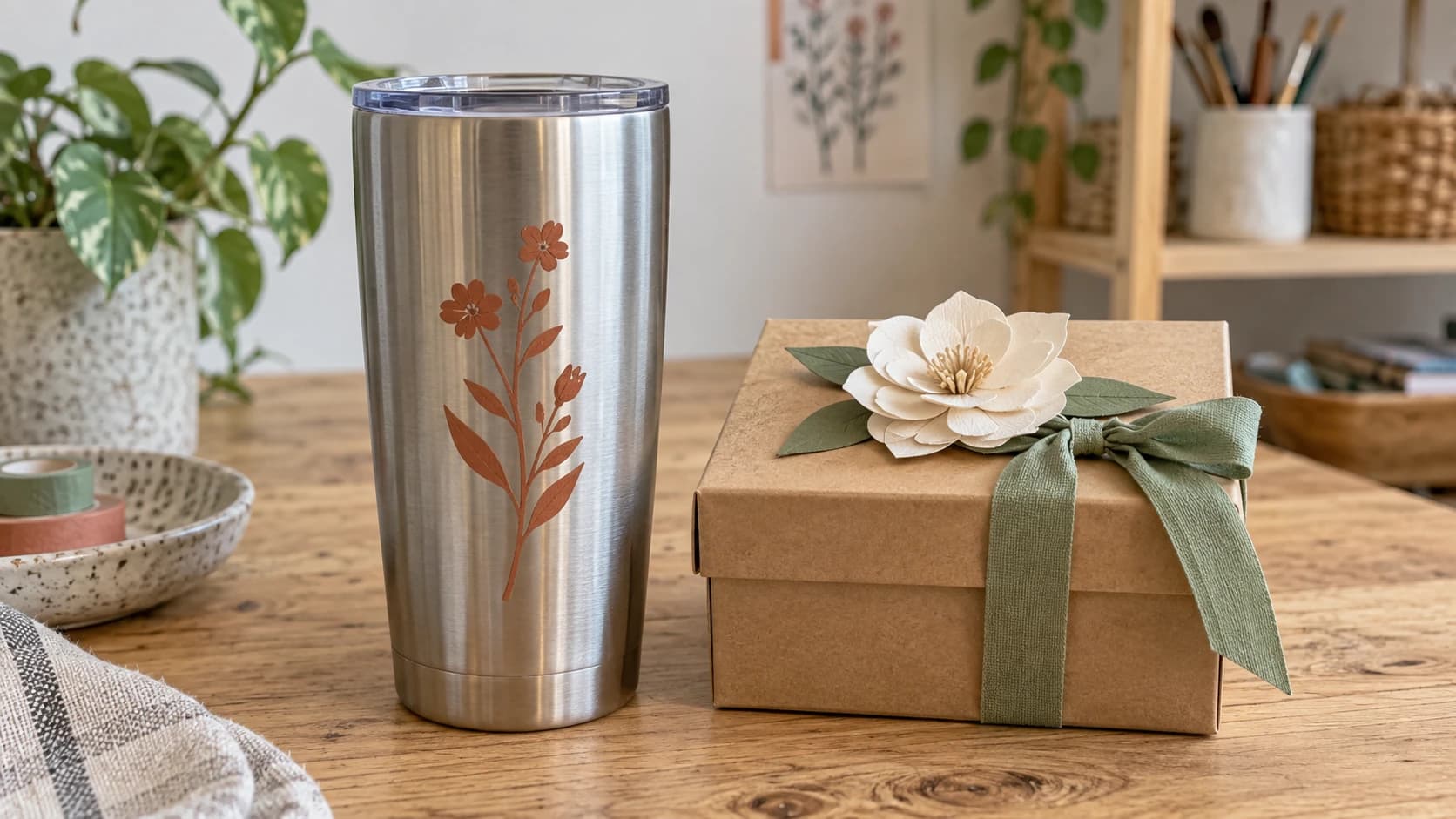
The same tumbler up close. A small design gives the vinyl less curved surface to cover in a single application.
Tote Bags and Shirts with Iron-On (60 to 90 Minutes)
Heat transfer vinyl (HTV) opens up fabric: canvas totes, tea towels, baby onesies, hoodies, aprons for the person who cooks. A blank canvas tote costs about $3, which makes this the best cost-to-reaction ratio on the list.
- Material: HTV, one color. Remember to mirror the design before cutting and cut with the shiny carrier side down. Everyone forgets to mirror exactly once. It's a rite of passage.
- Realistic time: About an hour, including pressing.
- The move: A household iron works fine for a single afternoon gift. Firm pressure, no steam, press on a hard surface rather than a squishy ironing board, and give each section 15 to 20 seconds. Peel the carrier per the vinyl's instructions (some peel hot, some cold, the label tells you).
One-color, bold-shape designs press best. Thin script and delicate details lift at the edges, and a lifted edge on a gift is the kind of thing only you will notice but you will notice it forever.
Car Decals (30 to 45 Minutes)
Fastest item on the list, and weirdly one of the most appreciated. A decal for the back windshield: their dog's silhouette, their sport, their hobby, a decorative motif that matches their sticker-covered water bottle aesthetic.
- Material: Permanent adhesive vinyl, ideally a brand rated for outdoor use.
- Realistic time: Half an hour. Most of it is weeding.
- The move: Deliver it unapplied, on the transfer tape with the backing still on, plus a note about the wet application method for larger decals. Applying vinyl to someone else's car in their driveway is a high-pressure environment. Let them do it.
Gift Boxes, Tags, and the QR Trick (60 to 90 Minutes)
Cardstock is the most underrated material in the cutting machine world. Your machine cuts intricate boxes, envelopes, and layered tags that would take an hour with scissors and look nowhere near as sharp.
- Material: 65 lb to 80 lb cardstock. Heavier stock holds a box shape; lighter stock folds cleaner.
- Realistic time: An hour for a box template plus a set of matching tags. Score lines fold in seconds.
- The move: Make the packaging the gift's opening act. A small treat inside a beautifully cut box reads as far more thoughtful than the same treat in a gift bag from the pharmacy.
Here's the trick that gets the biggest reaction: a QR code gift tag. Record a short video message, build a shared playlist, or make a photo album, then point a QR code at the link. The QR Code Generator is free and exports a laser-ready SVG, which also happens to be a cutter-ready SVG. Print the code on sticker paper for the tag, or cut the tag shape on your machine and stick the printed code on. A paper tag that plays a video of the grandkids singing happy birthday beats almost anything you could buy.
Tip
QR codes need contrast and quiet space to scan. Print the code rather than trying to cut it from vinyl, keep it at least 1 inch square, and test the scan with your own phone before you tie it to the gift.
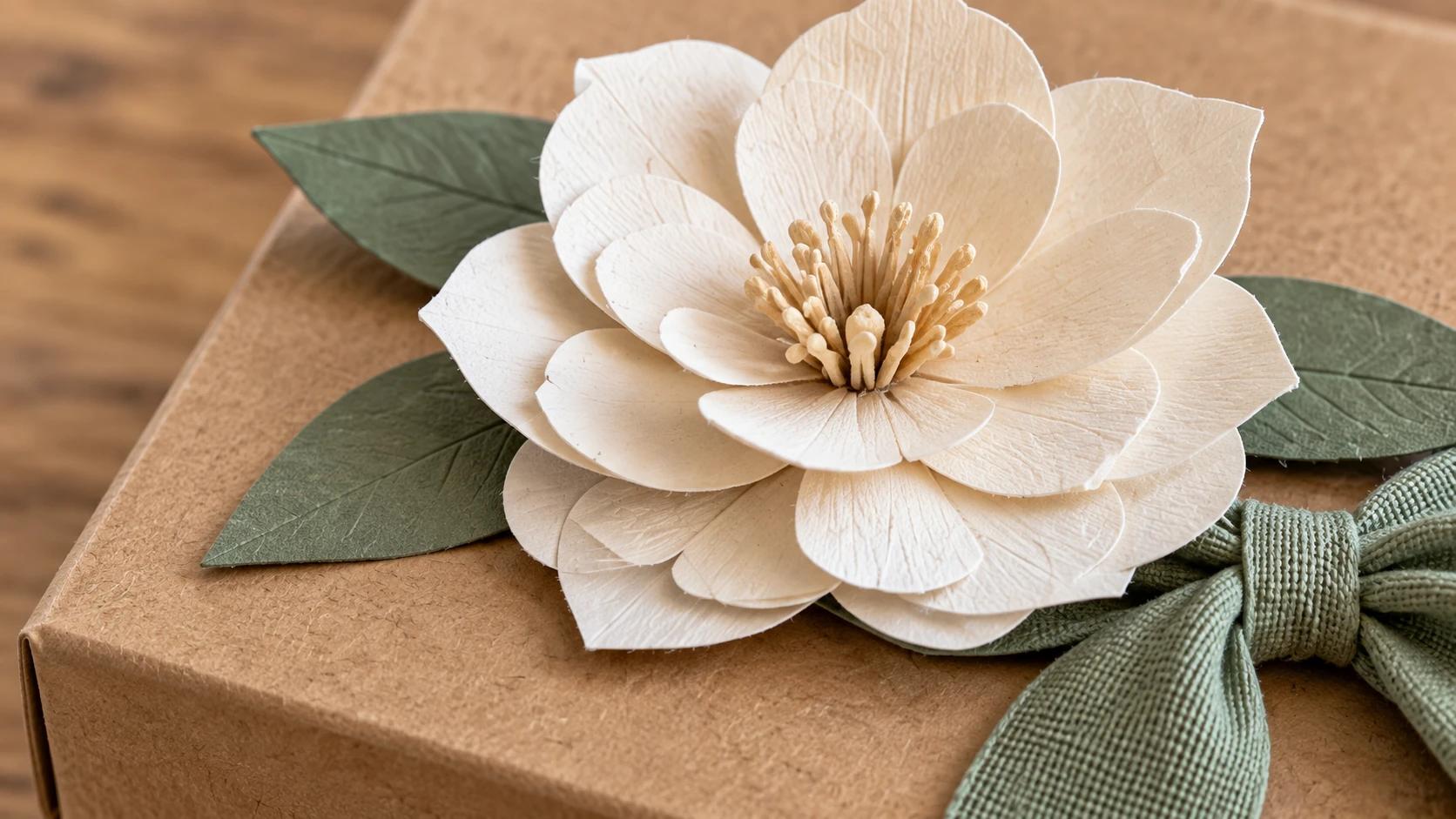
The gift box detail shows curled paper petals, joined at the center, above the scored cardstock lid.
Quick Home Decor (60 to 120 Minutes)
The upper edge of the afternoon budget, but doable if you keep it to one layer:
- Decal on a purchased blank. A dollar-store picture frame, a plain wood sign from the craft store, a candle jar, a plant pot. Adhesive vinyl motif, done. Buying the blank instead of making it is what keeps this inside the time budget.
- Wall decal. Removable vinyl only, so it comes off the wall clean. A simple decorative motif for a kid's room or above a desk cuts and weeds in under an hour.
- Mirror or window decoration. Vinyl on glass looks premium and applies easily because glass is flat and forgiving.
If you're pairing vinyl with an unusual surface, our materials guide for Cricut and Silhouette covers which vinyl sticks to what. The wrong vinyl on a textured or curved surface is the most common reason a gift decal peels within a week.
The Afternoon at a Glance
| Gift | Material | Realistic time | Difficulty |
|---|---|---|---|
| Tumbler or water bottle decal | Permanent adhesive vinyl | 45 to 90 min | Easy |
| Tote bag or shirt | HTV, one color | 60 to 90 min | Easy, mirror it |
| Car decal | Outdoor permanent vinyl | 30 to 45 min | Easy |
| Gift box + QR tag | Cardstock + printed QR | 60 to 90 min | Easy |
| Decal on a purchased blank | Adhesive vinyl | 60 to 120 min | Easy to medium |
What Does NOT Fit in an Afternoon
This is the section most gift lists skip, and it's why those lists end in a Thursday-night meltdown. Beautiful projects, wrong timeline:
Multi-layer HTV designs. Every layer means another cut, another weed, another press, and another chance to misalign by two millimeters in a way that's visible from space. A three-color layered shirt is a full-day project for an experienced user. On a deadline, one bold color always wins.
Sublimation and sublimation-adjacent work. Sublimation mugs, tumblers, and photo panels need special blanks, sublimation ink, and a heat press or mug press. If you don't already own the setup, this is a different hobby, not a different afternoon.
Epoxy or glitter tumblers. The vinyl part is fast. The epoxy part involves a turner, multiple coats, and cure times measured in days. Gorgeous results, zero afternoon compatibility.
Anything that needs paint or stain to dry. A stenciled and painted wood sign is a fantastic gift and a terrible same-day plan. Dry time doesn't care about your deadline.
Intricate multi-piece cardstock art. Layered shadow-box scenes with forty tiny pieces exist, they're stunning, and assembly alone can eat four hours.
If the recipient deserves engraved wood or metal rather than vinyl, that's a different machine's territory. Our personalized laser engraving gifts list covers that side of the shop.
Warning
The trap to avoid: starting a "quick" multi-layer project at 2 PM, hitting the alignment wall at 5 PM, and gifting an apology. Scope the gift to the time you actually have, not the time Pinterest implies.
Pick One and Start Cutting
The best afternoon gift is the one you actually finish, so choose the idea that matches the blank you already own and the vinyl already on your shelf. Personal beats elaborate every time. A single-color decal of their dog on a $12 tumbler will get a bigger reaction than a five-layer design that almost worked.
Design first, and let the free tools shorten that part: MonoTrace to turn any image into a cuttable SVG, Canvas Pro to edit artwork before tracing, the QR Code Generator for a gift tag that talks, and File Converter when your software is picky about formats. All four use no tool credits, just sign in and start cutting. The clock's running. Downloading the converted file requires an active paid plan.
Related Tools
MonoTrace
Turn photos and artwork into SVG outlines for free, with an optional sketch mode.
Canvas Pro
Edit images with layers, brushes, shapes, text, and selection tools. Export PNG, JPEG, or WebP.
QR Code Generator
Create QR codes for web links, contact details, and Wi-Fi credentials.
File Converter
Convert supported combinations of vector, document, raster-image, and 3D-mesh formats.
Plan required for downloads
Ready to try these tools?
Sign up free, no credit card required. Free tools available immediately.
Start Free