Social Media Marketing for Makers: Instagram, TikTok, and Pinterest
You've got products. You know how to make them. You might even know how to price them properly. But somewhere between "I should post more" and actually posting, most makers stall out.
The advice out there doesn't help. Every marketing guru tells you to be on every platform, post three times a day, create Reels and TikToks and Pinterest pins and YouTube shorts and start a newsletter and build a Discord and somehow still find time to actually make things. That's not a strategy. That's a recipe for burnout.
Here's what actually works for one-person maker shops: pick one platform, learn it well, post consistently, and let the others be secondary. You don't need to be everywhere. You need to be somewhere, reliably.
Why Social Media Matters for Makers
Ten years ago, buyers found handmade products by walking into a craft fair or stumbling across an Etsy listing. Social media was a nice extra. That's not the case anymore.
Today, most buyers discover products on social media first, then go to a shop to buy. Instagram, TikTok, and Pinterest are where people browse, save ideas, and decide what they want. By the time they reach your Etsy shop or website, they've already seen your work in a Reel or a pin and they're ready to purchase.
Social media also builds something that a product listing can't: a connection with the person who made it. Buyers who follow your process, see your workspace, and watch you turn raw materials into finished products feel invested. They're not just buying a cutting board. They're buying a cutting board from the person whose workshop they've been watching for three months.
That connection translates directly to higher prices, more repeat purchases, and word-of-mouth referrals. People recommend makers they feel connected to.
PRINT. CUT. CARVE.
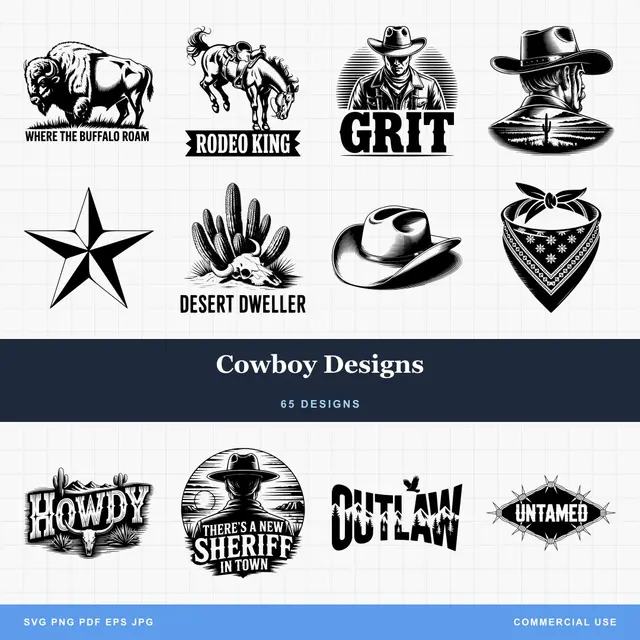
- Multiple formats (SVG, DXF, PNG)
- Machine-tested designs
- Commercial licenses
Sponsored by PrintCutCarve.com
Instagram: Your Visual Portfolio
Instagram is the platform most makers start with, and for good reason. It's visual, it rewards beautiful product photos, and its audience skews toward people who appreciate handmade and artisan goods.
Think of Instagram as your portfolio. Your feed is a curated gallery of your best work. When someone lands on your profile, the grid of images should instantly communicate what you make, the quality of your work, and the vibe of your brand.
Feed Posts vs. Reels vs. Stories
Feed posts are your permanent gallery. High-quality product photos, finished pieces, before-and-after shots. These don't need to go viral. They need to look good when someone scrolls your profile deciding whether to follow you.
Reels are where you reach new people. Instagram's algorithm pushes Reels to users who don't follow you yet. Process videos, time-lapses, and satisfying making clips perform best. A 15-second video of a laser engraving a piece of wood will get 10x the reach of a static photo of the finished product.
Stories are for your existing audience. Behind-the-scenes of your day, polls asking which design to make next, packing order updates, quick tips. Stories disappear after 24 hours, so they can be casual and unpolished. Use story highlights to save the best ones permanently on your profile (organized by topic: "Process," "Custom Orders," "Reviews").
Product Photography for Instagram
You don't need a professional camera. A recent smartphone with good lighting gets you 90% of the way there. Natural light near a window on an overcast day is the gold standard.
A few principles that make a real difference:
- Clean backgrounds. White, light wood, or marble work for most products. Busy backgrounds compete with your product for attention.
- Show scale. Include a hand, a mug, or some recognizable object so people understand the size.
- Lifestyle context. A coaster on a coffee table with a mug on it tells a story. A coaster on your workbench does not.
- Consistent editing. Pick one filter or editing style and stick with it. A cohesive feed looks professional. A feed with wildly different color temperatures looks disjointed.
Tip
Use Canvas Pro to resize and adjust your product photos for Instagram's square (1080x1080), portrait (1080x1350), and Reel (1080x1920) formats. Consistent sizing keeps your feed looking clean. For more on what Canvas Pro can do, check out the full guide.
Link in Bio
Instagram doesn't let you put clickable links in post captions. Your bio link is the one clickable URL on your entire profile. Make it count.
Use a link-in-bio tool (Linktree, Stan Store, or a simple landing page) that includes links to your shop, your most popular products, your current sale or promotion, and any other pages you want to drive traffic to. Update it regularly.
Every post caption should end with something like "Link in bio to shop" or "Tap the link in bio for details." Don't assume people know where to find your shop.
TikTok: The Discovery Engine
TikTok is the best platform for reaching people who've never heard of you. The algorithm doesn't care how many followers you have. It cares whether people watch your video to the end. A maker with 200 followers can get a million views on the right video.
The catch: TikTok favors entertainment and personality. Polished product photos don't perform well here. What performs is process, personality, and authenticity.
What Works on TikTok
Process videos. Show your laser engraving a design. Film your CNC carving a sign from start to finish. Let viewers see the making. These are hypnotic and consistently perform well.
Satisfying reveals. The moment you peel masking off a freshly engraved piece, pull a 3D print off the bed, or weed vinyl from a cut design. These are inherently satisfying and get shared widely.
Mistakes and fails. This sounds counterintuitive, but "watch me ruin an expensive piece of wood" videos get massive engagement. People love watching things go wrong, especially when the maker laughs about it and learns something.
Talk to the camera. Explain your process, share a tip, answer a common question. TikTok rewards personality. A 30-second video of you explaining why you use a specific type of wood finish will outperform a slick commercial-style product showcase.
Day-in-the-life. Packing orders, organizing your workshop, going to the post office. These mundane activities are fascinating to people who don't run a maker business.
TikTok Basics for Makers
Keep videos between 15 and 60 seconds. Shorter performs better for most content, but longer (up to 3 minutes) works for detailed process videos where people want to see the whole thing.
Hook viewers in the first two seconds. "Watch me turn a $3 piece of maple into a $60 cutting board" is a hook. A slow pan of your workshop with ambient music is not.
Use trending audio when it fits naturally, but don't force it. A trending sound under a process time-lapse can boost reach. A trending dance in front of your CNC router is going to be awkward for everyone.
Post consistently. Three to five times per week is a solid cadence for TikTok. The algorithm rewards active creators.
Pinterest: Long-Tail SEO in Disguise
Pinterest isn't really a social media platform. It's a visual search engine. People go to Pinterest to find ideas, plan projects, and shop. The average Pinterest user is actively looking to buy something.
This makes Pinterest incredibly valuable for makers, even though it gets overlooked. A pin you create today can drive traffic to your shop for months or years. Instagram posts fade within 48 hours. TikToks get their views in the first week. Pinterest pins keep working indefinitely.
How Pinterest Works for Makers
When someone searches "custom cutting board gift" on Pinterest, your pin can appear in the results if it's properly optimized. They click it, land on your Etsy listing or website, and buy. It's that direct.
Pin design matters. Vertical images (2:3 ratio, 1000x1500 pixels) perform best. Clean product photos with text overlay describing the product work well. "Personalized Maple Cutting Board, Custom Engraved" as text on a pin image tells the viewer exactly what they're looking at.
Write descriptions like SEO. Pinterest descriptions work like search queries. Include keywords buyers would search for: the product name, material, use case, occasion. "Personalized cutting board, laser engraved maple, perfect for wedding gifts, housewarming gifts, and anniversary gifts. Custom text available."
Organize boards by theme. Create boards around categories your buyers care about: "Personalized Kitchen Gifts," "Laser Engraved Home Decor," "Custom Wedding Gifts." Pin your products into relevant boards. Also pin other people's content that fits the board theme. Pinterest rewards boards that feel curated, not just self-promotional.
Link directly to your shop. Every pin should link to the product page where someone can buy it. Not your homepage. Not your Instagram. The product page. Pinterest is the only major platform that lets you link directly from every post. Use that advantage.
Tip
Pinterest is the best platform for makers who hate being on camera. No Reels, no talking to your phone, no dancing. Just great product photos with smart descriptions. If social media feels exhausting, start with Pinterest.
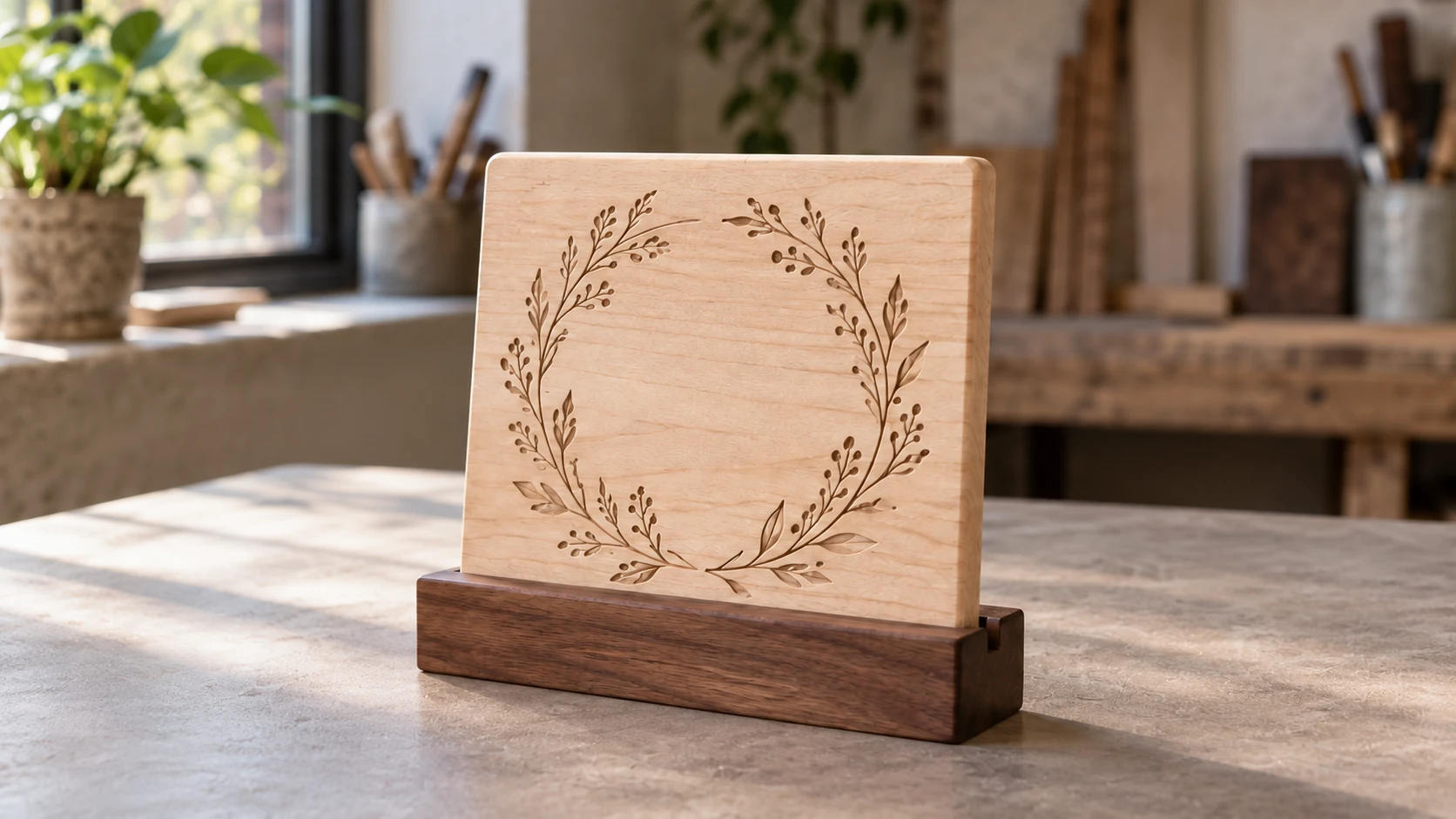
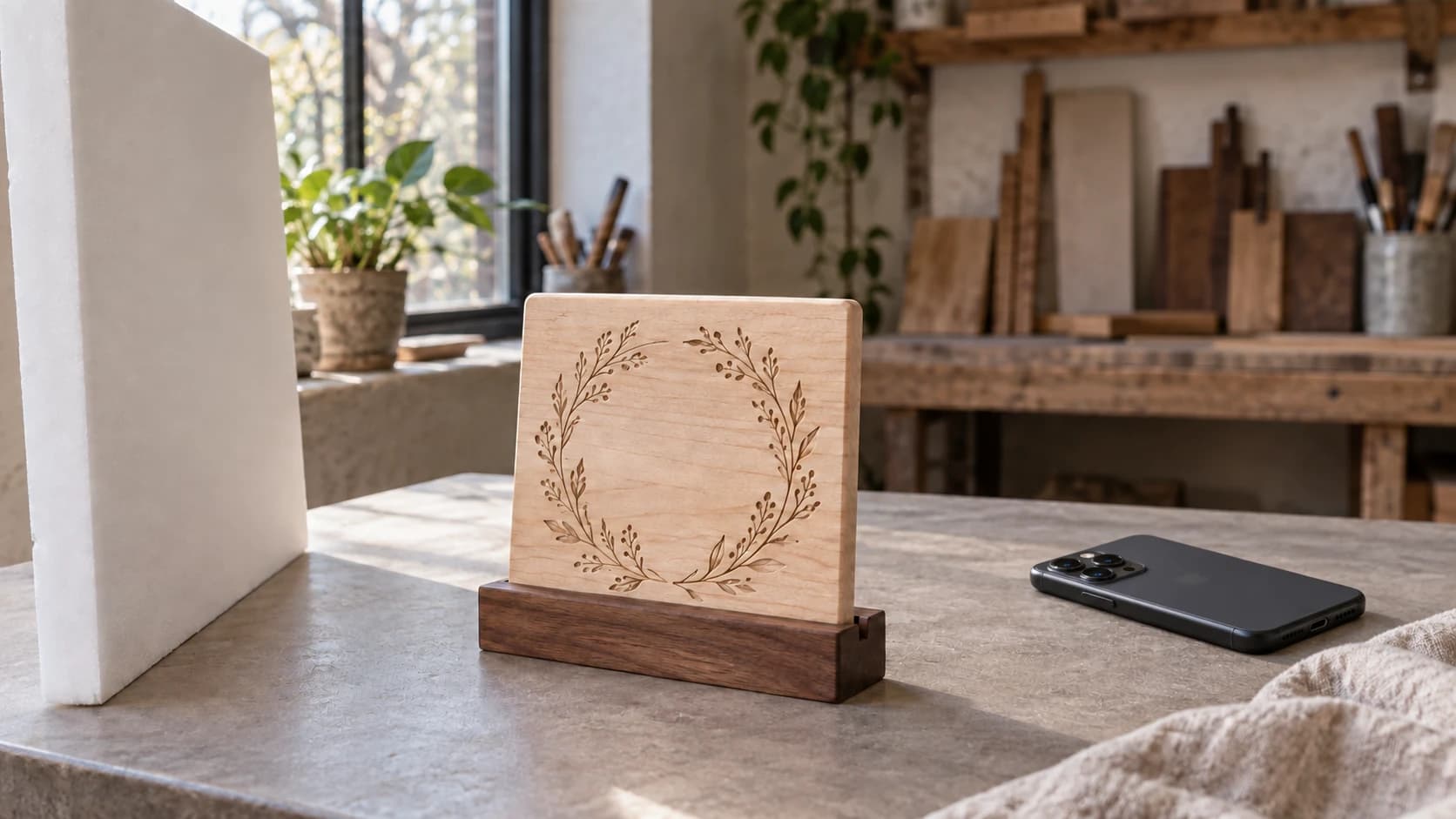
A tighter composition turns the same workshop setup into a finished-product view. The plaque, base, material and lighting remain consistent.
Content Ideas That Actually Work
Running out of things to post is the number one reason makers go quiet on social media. Here's a list you can rotate through. Not every idea works on every platform, but most work on at least two.
Process videos. Your most reliable content. Film yourself making something from start to finish, then cut it into a 30 to 60 second time-lapse. Works on all three platforms.
Before and after. Raw material on the left, finished product on the right. Simple, effective, endlessly repeatable.
Packing orders. This is free content that people love watching. Show the product, wrap it in tissue paper, place it in a box, seal it up. Add a handwritten thank-you note for bonus points.
Material selection. Why you chose this specific wood species, or what makes this acrylic color work for the design. Educating your audience builds authority and trust.
Mistake videos. Something burned, cracked, or came out wrong? Film it. People connect with authenticity, and other makers learn from it. "Well, that's $20 in walnut I'll never get back" is relatable content.
Customer reactions. With permission, share videos or screenshots of customers receiving their orders. Social proof is the most powerful form of marketing.
Workshop tour. Show people where you work. Your equipment, your materials, your organization system (or lack thereof). People are curious about workspaces.
Tips and tutorials. Quick tips related to your craft. "Here's the one thing most people get wrong about [your process]." Positions you as an expert.
If you're making products with a laser engraver, CNC, or 3D printer and need inspiration for what to create, our beginner guides for laser engraving, CNC routing, and 3D printing cover popular project ideas.
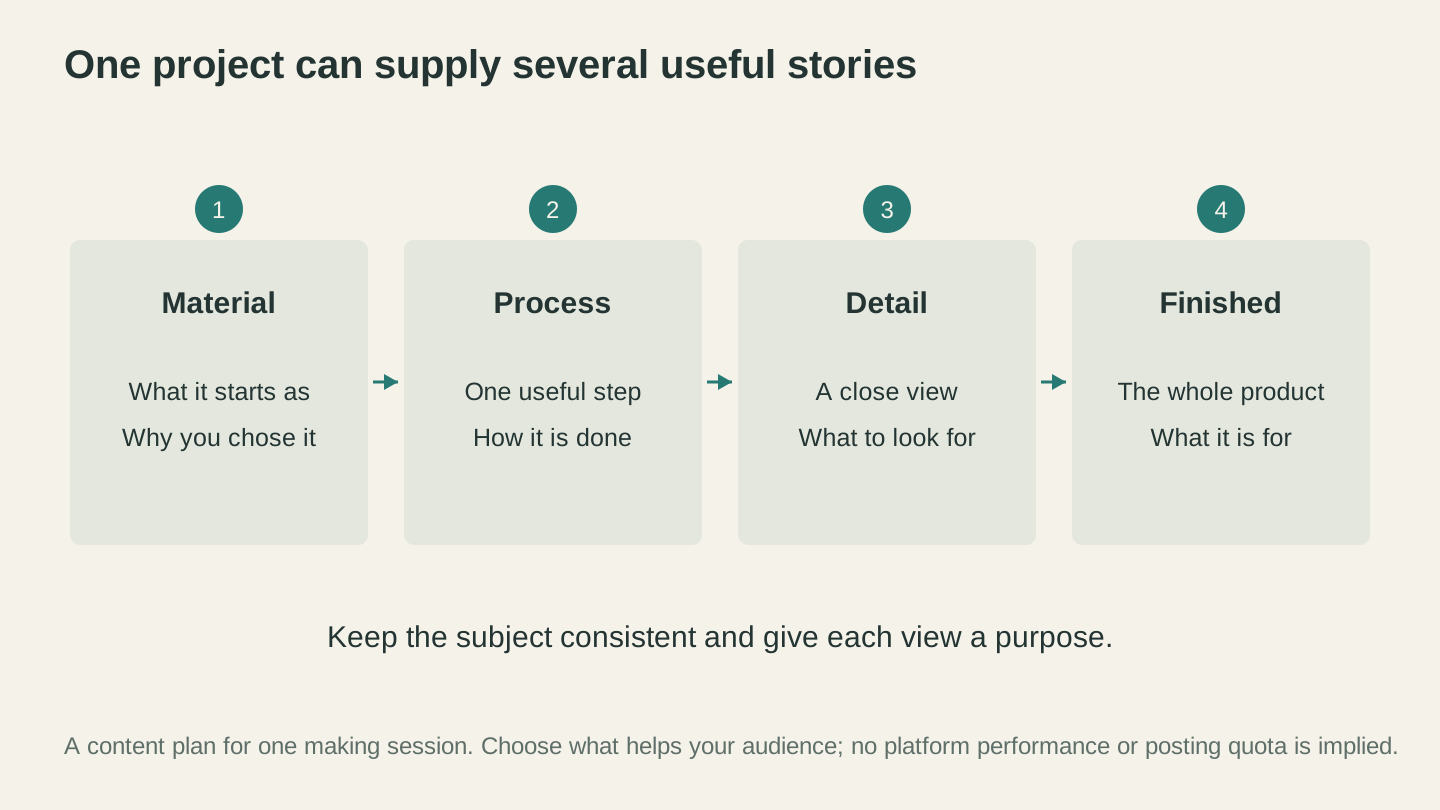
Plan a few useful views while you make the project. Show what the material is, explain a step, reveal a detail and finish with the complete object.
A Realistic Posting Schedule
Here's where most social media advice falls apart. Marketing experts who post content for a living tell you to post twice a day on every platform. You are not a marketing expert. You are a person who makes things and also needs to eat, sleep, and occasionally leave your workshop.
A realistic schedule for a one-person maker shop:
If You Pick One Platform
| Day | Content |
|---|---|
| Monday | Process video or time-lapse |
| Wednesday | Product photo or before/after |
| Friday | Behind-the-scenes, packing orders, or tip |
Three posts per week. Consistent, sustainable, and enough for the algorithm to work with. You can do this indefinitely without burning out.
If You Can Handle Two
Pick a primary platform (where you post three times per week) and a secondary platform (where you repurpose content once or twice per week).
Instagram + Pinterest is a strong combination for makers. Post product photos and Reels to Instagram, then create pins from those same images for Pinterest. The Pinterest pins keep driving traffic long after the Instagram posts are buried.
TikTok + Instagram works well if you're comfortable on camera. Film a process video for TikTok, then post it as a Reel on Instagram. Same video, two platforms, minimal extra work.
Warning
Don't try to maintain three active platforms from the start. You'll post inconsistently on all of them, which is worse than posting consistently on one. Master one platform first, then expand when it feels manageable.
Batch Your Content
This is the single most practical tip in this entire post. Don't create content every day. Set aside one session per week (or even one per month) to film multiple videos and take multiple product photos. Then schedule them out over the coming days.
Two hours of focused content creation can produce two to three weeks of posts. That's much more sustainable than scrambling to create something every morning before you start making.
Using ListingLab for Social Content
Writing captions is the part that stops most makers cold. You took the photo, you know the product is great, but now you need to write something clever and optimized and you've been staring at your phone for fifteen minutes with nothing.
ListingLab solves this. Upload a photo of your product and it generates social media captions along with product descriptions, titles, and SEO tags. The social content is specifically written for Instagram, Facebook, and Pinterest, with the right tone and length for each platform.
Here's what you get:
- Social media posts tailored to each platform's style and character limits
- Three title options (useful as post hooks or Pinterest text overlay)
- Key features bullet points (repurpose as carousel slides or pin descriptions)
- 13 SEO keywords (use as hashtags or Pinterest keywords)
The text generation uses your chatbot messages (included with every plan), so it doesn't cost credits. Each tier has a monthly message allowance rather than an unlimited one, so it is worth batching a product line in one sitting.
ListingLab also generates AI product photos in 35+ styles for 1 credit each. Need a lifestyle shot of your product on a holiday-themed background for a seasonal post? Generate it without setting up a photoshoot. Need a clean white-background shot for Pinterest? Same thing.
Tip
Generate your ListingLab captions and product descriptions at the same time. The social media copy, Etsy listing, and Pinterest description can all come from one upload session. If you're also selling on Etsy, our Etsy selling guide covers how to make the most of ListingLab for product listings.
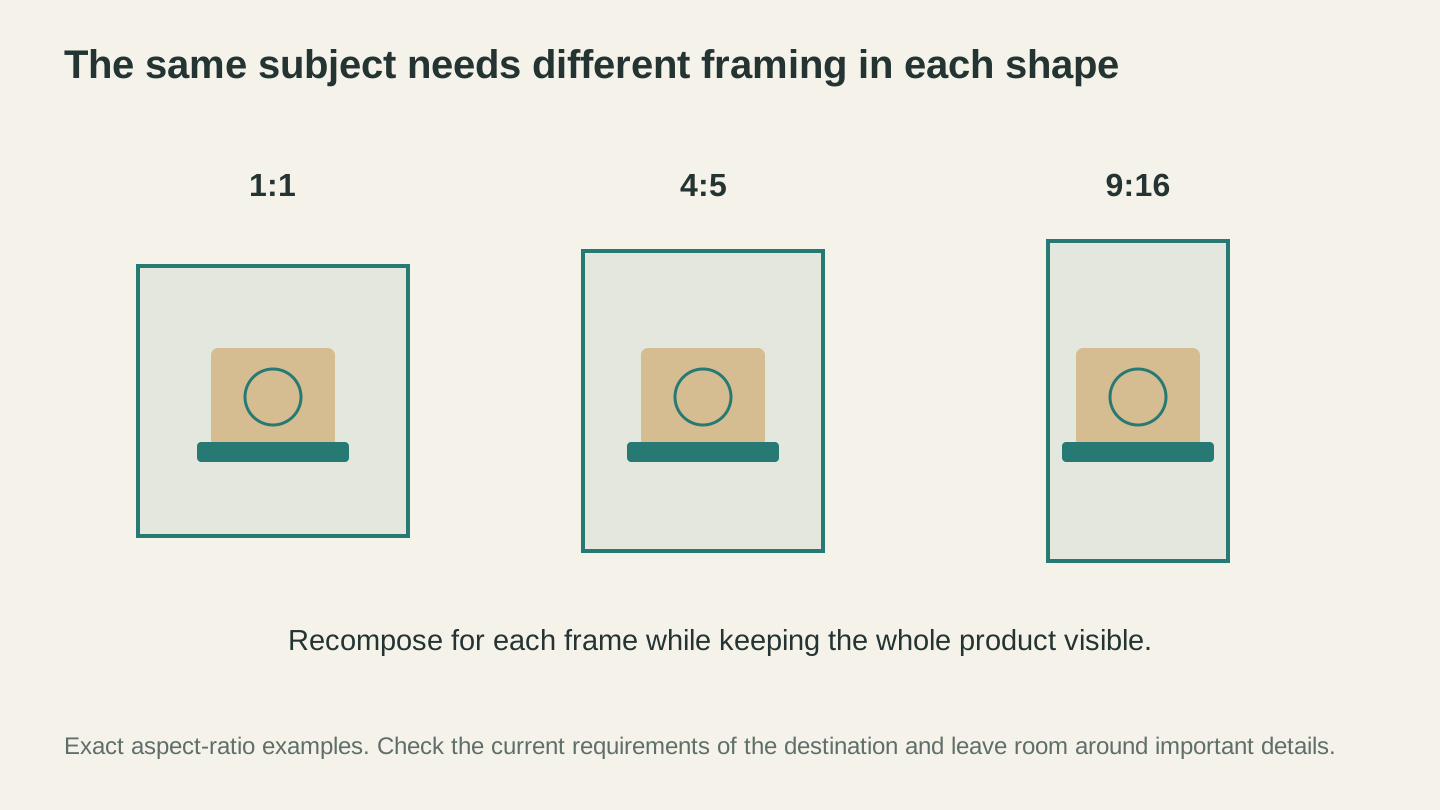
Changing the frame should not hide the product’s important details. These are aspect-ratio examples; check the destination’s current image requirements.
Using Canvas Pro for Social Graphics
Product photos are great, but sometimes you need graphics: announcement posts, sale banners, quote cards, or images with text overlay for Pinterest pins.
Canvas Pro is a free browser-based image editor with layers, text tools, shapes, and export options that make creating social media graphics straightforward. No design software subscription required.
Practical uses for social media:
- Pinterest pins with text overlay on product photos (vertical 1000x1500 format)
- Instagram carousel slides with consistent branding
- Sale announcement graphics with your discount code
- Size comparison graphics showing your products next to common objects
- Before/after composites combining two images side by side
Canvas Pro exports PNG, JPEG, and WebP, so the same graphic can go on Instagram and, once traced with MonoTrace, onto a craft fair banner. For a deeper look at what it offers, check out our Canvas Pro guide.
Hashtag Strategy by Platform
Hashtags work differently on each platform. Using them the same way everywhere is leaving reach on the table.
Instagram Hashtags
Instagram lets you use up to 30 hashtags, but 5 to 15 targeted ones perform better than 30 generic ones. Mix three categories:
Broad (100k+ posts): #handmade, #makersgonnamake, #shopsmall. These put you in front of a large audience but you'll be competing with millions of posts.
Medium (10k to 100k posts): #laserengravedgifts, #cncwoodworking, #handmadehomedecor. Less competition, more targeted audience.
Niche (under 10k posts): #customcuttingboard, #laserengravingonwood, #cncmaker. Small but highly relevant. Posts can rank in "Top" for these for days or weeks.
The sweet spot is mostly medium and niche hashtags with a few broad ones mixed in. Your products are niche. Your hashtags should be too.
TikTok Hashtags
TikTok hashtags matter less than on Instagram, but they still help with categorization. Use 3 to 5 relevant hashtags. The algorithm relies more on video content and viewer behavior than tags.
Focus on hashtags that describe what's happening in the video: #laserengravingprocess, #smallbusinesspackingorders, #makerlife. Skip generic ones like #fyp, which add no value.
Pinterest Keywords
Pinterest doesn't use hashtags. It uses keyword-rich descriptions. Write your pin descriptions like mini product listings with the search terms buyers would use.
"Custom laser engraved cutting board, personalized with family name, maple hardwood, perfect wedding gift or housewarming gift" is a description that hits multiple search terms. Pinterest will surface your pin for all of those queries.
Stop Planning, Start Posting
The biggest mistake makers make with social media isn't using the wrong hashtags or posting at the wrong time. It's not posting at all. A mediocre post that goes live beats a perfect post that stays in your drafts forever.
Pick one platform. The one where your customers hang out, or the one you enjoy most. Film yourself making something this week. Upload the photo or video. Write a caption (or let ListingLab write it for you). Hit post.
Then do it again in a couple of days. And again. Consistency matters more than perfection, more than strategy, more than hashtags. The makers who grow on social media are the ones who keep showing up.
You've already done the hard part. You learned to make beautiful things with your hands and your machines. Telling people about it is the easy part. Go do it.
If you're selling at craft fairs too, use your social media content to promote upcoming events and drive booth traffic. Print QR codes for your social profiles using the free QR Code Generator and put them on your business cards and packaging. The online and in-person sides of your business should feed each other.
Happy making.
Related Tools
ListingLab
Create listing text and styled product photos from a product image.
Text uses chat allowance; photos use credits
Canvas Pro
Edit images with layers, brushes, shapes, text, and selection tools. Export PNG, JPEG, or WebP.
QR Code Generator
Create QR codes for web links, contact details, and Wi-Fi credentials.
Ready to try these tools?
Sign up free, no credit card required. Free tools available immediately.
Start Free